

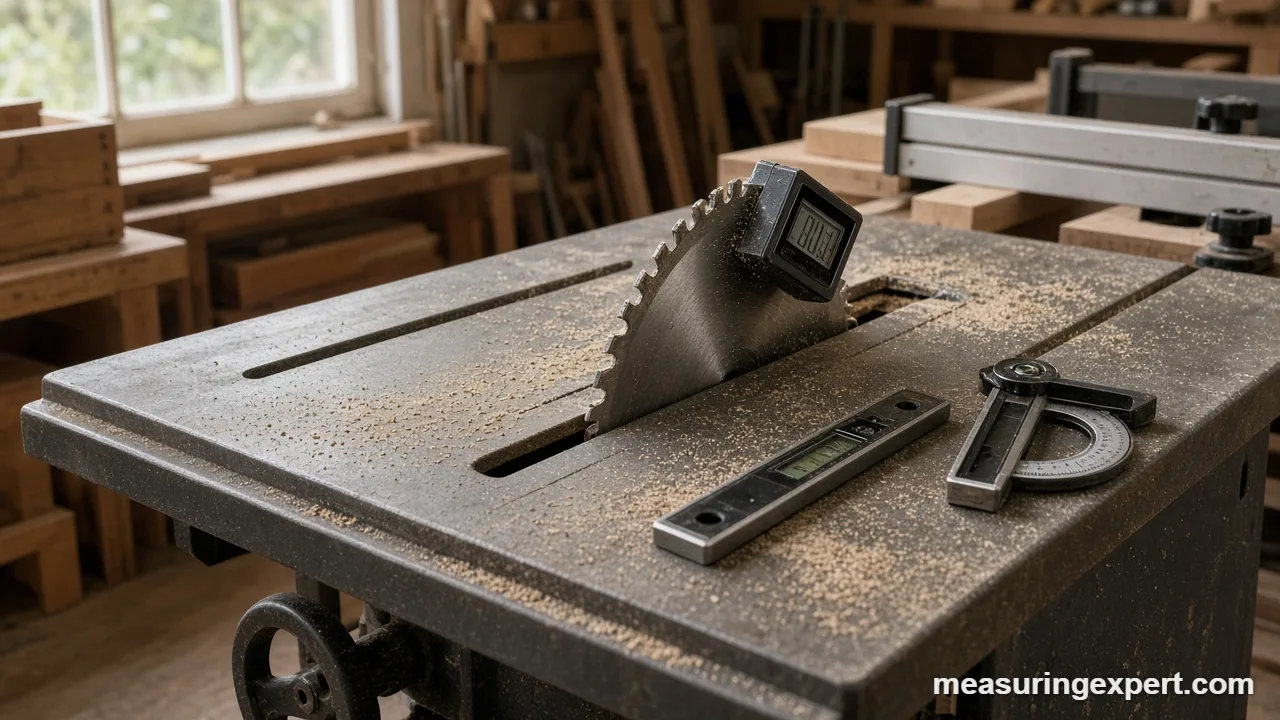
The best inclinometer for most woodworkers is the Wixey WR365, a magnetic bevel box that reads blade tilt in 0.1 degree steps and adds a built-in level. However, the right pick depends on the job: blade setup, copying corners, crown molding or leveling a machine bed.
In short: buy the WR365 for saw setup, the General Tools 822 on a budget, and the Bosch GAM 270 MFL for crown and compound miters.
As an Amazon Associate, Measuring Expert earns from qualifying purchases. Our picks are based on research, specifications and owner feedback, not paid placement.
Best Overall


Best Pro

Quick Answer: Which Best Inclinometer Fits Your Job
- Saw blade and bevel setup: Wixey WR365 bevel box.
- Copying wall corners on a budget: General Tools 822.
- Crown and compound miters: Bosch GAM 270 MFL with its miter calculator.
- Logging slopes to a phone: Sola GO! SMART.
- Miter gauges and layout: Wixey 8 in Digital Protractor.
- Leveling a machine bed: Digi-Pas DWL-1500XY.
- Clinical range of motion: Baseline 12-1057.
On This Page
- Comparison table
- The 7 picks, reviewed
- How we chose
- Inclinometer types compared
- Specs that matter
- Angle, grade and pitch calculator
- How to set a blade bevel
- Calibration and care
- Honest limits
- FAQ
- Bottom line
Best Inclinometer Comparison Table
First, find your job in the Best For column. Next, compare the standout feature, then jump to the full review.
| # | Product | Best For | Standout Feature | Amazon |
|---|---|---|---|---|
| 1 | Wixey WR365 | Table saw blade tilt, miter saw bevels and jointer fences | 0.1 degree display, flip-up screen, built-in level | View |
| 2 | General Tools 822 | Copying corner angles for trim and baseboard | Two 7 in stainless legs, lock and reverse modes | View |
| 3 | Bosch GAM 270 MFL | Crown molding, compound miters and site layout | Miter calculator plus a laser to project the angle | View |
| 4 | Sola GO! SMART | Logging readings to a phone and remote viewing | Bluetooth app with logging and photo overlay | View |
| 5 | Wixey 8 in Digital Protractor | Miter angles, bevel layout and band saw tables | Long arms read angles between two surfaces | View |
| 6 | Digi-Pas DWL-1500XY | Leveling machine beds, bases and precision fixtures | 0.001 degree resolution on two axes at once | View |
| 7 | Baseline 12-1057 | Clinical range-of-motion checks | Fixed feet sized for the body, zero and hold | View |
The 7 Best Inclinometer Picks, Reviewed
We start with shop tools for blade and miter setup, then move to site, smart and precision tools, and end with a clinical model. Looking for a slope meter for a vehicle, RV or hill? Then see our best incline meter roundup instead.
Best Overall
1. Wixey WR365 Digital Angle Gauge with Level
Best for: Woodworkers who want one bevel box for blade tilt, miter saw bevels and fence checks, plus a quick level reading.
The WR365 is our pick as the best inclinometer for most woodworkers. Basically, it is a small cube that sits on a saw table, zeroes to that surface, and then reads the blade tilt in 0.1 degree steps. In addition, Wixey lists an accuracy of plus or minus 0.2 degrees and a repeatability of 0.1 degrees, so repeat setups land in the same place.
What sets it apart from the older WR300 is the flip-up display and the built-in level. Because the screen tilts toward you, you can read it while the gauge sits against a vertical blade. Also, the magnets in the base hold it to a steel blade or cast iron top, which frees both hands for the tilt wheel. If you already own a basic bevel box, see our best magnetic angle finder guide for the WR300 and other cube gauges.
- Range: plus or minus 180 degrees
- Resolution: 0.1 degree; accuracy: plus or minus 0.2 degrees
- Repeatability: plus or minus 0.1 degree
- Power: 2 AAA cells (not included); Wixey quotes up to 2 years of battery life
- Extras: built-in level, HOLD, ZERO, magnetic base, auto shut-off
Pros
- Flip-up screen is easy to read on a tilted blade
- Also zeroes to any reference surface
- Magnets free both hands, so setup is faster
Cons
- 0.1 degree steps, not 0.05
- Uses two AAA cells, sold separately
- However, too small to span a long surface
Skip it if: You mostly level long surfaces such as door frames or decks, because a 24 to 48 in digital level averages out bumps far better.
Best Budget
2. General Tools 822 ANGLE-IZER Digital Angle Finder
Best for: DIYers and trim carpenters who need to copy wall corners and transfer them to a miter saw on a budget.
Strictly speaking, the 822 is a digital angle finder, not a gravity inclinometer. Instead of reading tilt against gravity, it measures the angle between its two legs. Even so, it belongs on this list because many buyers who search for the best inclinometer really need to copy an out-of-square corner. For example, a 92 degree wall corner needs two 46 degree miters, not two 45s.
General Tools rates it at plus or minus 0.3 degrees with 0.1 degree resolution, across a full 0 to 360 degree swing. As a result, it can read inside, outside and reverse angles. Then the lock button holds the number while you walk to the saw.
- Range: 0 to 360 degrees
- Accuracy: plus or minus 0.3 degrees; resolution: 0.1 degree
- Legs: 7 in long, 1-3/8 in wide, stainless steel
- Modes: lock angle and reverse angle; zero at any point
- Power: one CR2032 cell (included)
Pros
- Low-cost way to copy real corners
- Also reads inside, outside and reverse angles
- Stainless legs resist wear
Cons
- Does not read tilt against gravity
- Looser accuracy than a bevel box
- Also, short legs on long walls
Skip it if: You need to set a saw blade to an exact bevel, because a gravity bevel box like the WR365 is the right tool for that.
Best Pro
3. Bosch GAM 270 MFL Digital Angle Finder and Inclinometer
Best for: Finish carpenters and remodelers who cut crown, rafters and compound miters and want the math done on the tool.
The GAM 270 MFL combines four tools: an angle finder, an inclinometer, a protractor and a digital level. Bosch lists a 0 to 270 degree range and a readout accuracy of plus or minus 0.1 degree. In addition, the built-in miter calculator turns a measured corner into the saw settings for simple and compound cuts.
Next, the integrated laser lets you transfer an inclination reading across a room, which helps on stair rails and sloped ceilings. Also, the two illuminated flip displays and IP54 rating suit job sites. However, it is a 2.4 lb, 26.9 in tool, so it is overkill for blade setup on a table saw.
- Range: 0 to 270 degrees; readout accuracy: plus or minus 0.1 degree
- Vial leveling accuracy: plus or minus 0.05 degrees
- Modes: angle finder, inclinometer (degrees and percent), miter calculator, protractor, level
- Laser: transfers inclination up to 100 ft
- Power: 4 AA cells, about 50 hours; IP54; 2.4 lb
Pros
- Built-in miter and compound cut math
- Also a laser for transferring slopes
- Rugged aluminum body, IP54
Cons
- Large and heavy for shop setup
- Four AA cells also add weight
- More functions than many DIYers need
Skip it if: You only set saw blades and fences, because the WR365 does that job in a pocket-size body.
Best Smart
4. Sola GO! SMART Digital Pocket Level with Bluetooth

Best for: Installers and inspectors who want to log slope readings with photos, or read the level from across the room.
The GO! SMART is a 3 in pocket level that sends its readings to the free SOLA Measures app over Bluetooth. Sola lists an accuracy of 0.05 degrees at 0 and 90 degrees and 0.2 degrees between 1 and 89 degrees. Therefore, it is sharpest exactly where most leveling work happens.
Also, the app logs readings with date and time and adds notes, photos and video. So you can document a drain slope or a mounted bracket for a client. Meanwhile, the base has a neodymium magnet and a V-groove for pipe and conduit, and the display flips for overhead work.
- Accuracy: 0.05 degrees at 0 and 90 degrees; 0.2 degrees from 1 to 89 degrees
- Units: degrees, percent, mm/m and in/ft
- App: SOLA Measures (iOS and Android) with live transfer, remote control and logging
- Base: neodymium magnet plus V-groove
- Power: one AA cell; IP52; 80 x 55 x 27 mm
Pros
- Phone logging with photos, for example of drain slopes
- Also reads in in/ft and percent
- Magnet and V-groove base
Cons
- Short body cannot bridge uneven surfaces
- Looser accuracy away from level and plumb
- IP52 is only light splash protection
Skip it if: You never use a phone on the job, because the extra cost buys mostly app features.
Best for Layout
5. Wixey 8 in Digital Protractor

Best for: Woodworkers who lay out joints, set miter gauges and copy angles from drawings or existing parts.
A digital protractor measures the angle between its two arms, so it complements a gravity inclinometer rather than replacing one. Wixey offers two 8 in versions: the WR410 (set miter model) and the low-cost WR41 protractor and rule. Both read in 0.1 degree steps and run on a CR2032 cell with auto shut-off.
However, their accuracy differs. Wixey lists plus or minus 0.1 degree for the WR410 and plus or minus 0.3 degrees for the WR41, so check the model number on the listing before you buy. Either way, the long arms help when you copy a bevel from a part or set a miter gauge to a drawing.
- Resolution: 0.1 degree (both 8 in versions)
- Accuracy: plus or minus 0.1 degree (WR410) or 0.3 degrees (WR41)
- Range: plus or minus 180 degrees (WR410); 0 to 360 degrees (WR41)
- Power: one CR2032 cell; auto shut-off
Pros
- Reads angles between surfaces
- Also good for miter gauges and layout
- Light, simple and therefore quick to zero
Cons
- Two versions with different accuracy
- Not a gravity tilt sensor
- Arms can flex if you press hard
Skip it if: You only need blade tilt, because a bevel box is faster for that job.
Best for Machine Leveling
6. Digi-Pas DWL-1500XY 2-Axis Smart Machinist Level

Best for: Machinists and serious woodworkers who level lathes, CNC routers, saw tables or equipment bases.
The DWL-1500XY is a different kind of inclinometer. Instead of a wide range, it reads very small tilts on two axes at once. Digi-Pas lists a resolution of 0.001 degree (0.0002 in/ft) and an accuracy of plus or minus 0.002 degrees from 0 to 0.5 degrees. In other words, it shows tilt about 100 times finer than a hobby bevel box.
The trade-off, however, is range: it covers only plus or minus 2 degrees. So it is a leveling tool, not a bevel gauge. In addition, it can send readings over Bluetooth to the Digi-Pas Machinist Level app, which helps when you adjust leveling feet under a heavy machine.
- Range: 0 to plus or minus 2 degrees, X and Y axes
- Resolution: 0.001 degree (0.0002 in/ft, 0.02 mm/m)
- Accuracy: plus or minus 0.002 degrees from 0 to 0.5 degrees; 0.004 degrees elsewhere
- Bluetooth: about 50 ft range, optional Machinist Level app
- Operating temperature: 10 to 120 F (-10 to 50 C)
Pros
- Extremely fine resolution
- Also reads two axes at once
- Optional app for remote readings
Cons
- Only a plus or minus 2 degree range
- Overkill for blade bevels, so use a bevel box there
- Needs a clean, flat machined surface
Skip it if: You need to read 45 degree bevels, because this level stops at 2 degrees.
Best for Range of Motion
7. Baseline 12-1057 Digital Inclinometer

Best for: Physical therapists and clinics that measure spine and joint range of motion.
Not every inclinometer lives in a shop. In fact, therapists use a gravity inclinometer to measure range of motion, for example spine flexion. The Baseline 12-1057 is built for that job, with fixed feet that sit on the body and a ZERO button that sets the starting position.
Then a HOLD button freezes the reading so the clinician can record it after the patient moves. Also, some neck and back protocols call for two inclinometers at the same time, so the maker sells a two-piece set as well. However, it is a clinical tool, so it is the wrong choice for woodworking or framing.
- Type: digital inclinometer with fixed feet for range-of-motion work
- Controls: ZERO for the start position, HOLD to freeze the reading
- Display: LCD
- Power: one 3V CR2032 cell (included)
- Size: 6 x 1.5 x 2.5 in
Pros
- Designed for clinical ROM protocols
- Also simple: zero, move, hold, read
- Available as a two-piece set
Cons
- Not suited to shop or site work, so keep it in the clinic
- No magnets or level vial
- Maker page does not list accuracy
Skip it if: You work with wood, steel or concrete, because any pick above suits those jobs better.
How We Chose the Best Inclinometer Picks
To be clear, we did not test these tools by hand. Instead, our picks are research-based. First, we read maker spec pages for range, resolution, accuracy, units and power, such as the Wixey angle gauge specs, the Bosch GAM 270 MFL page and the Digi-Pas DWL-1500XY data. Next, we weighed owner feedback on drift, magnet strength, display angle and battery life.
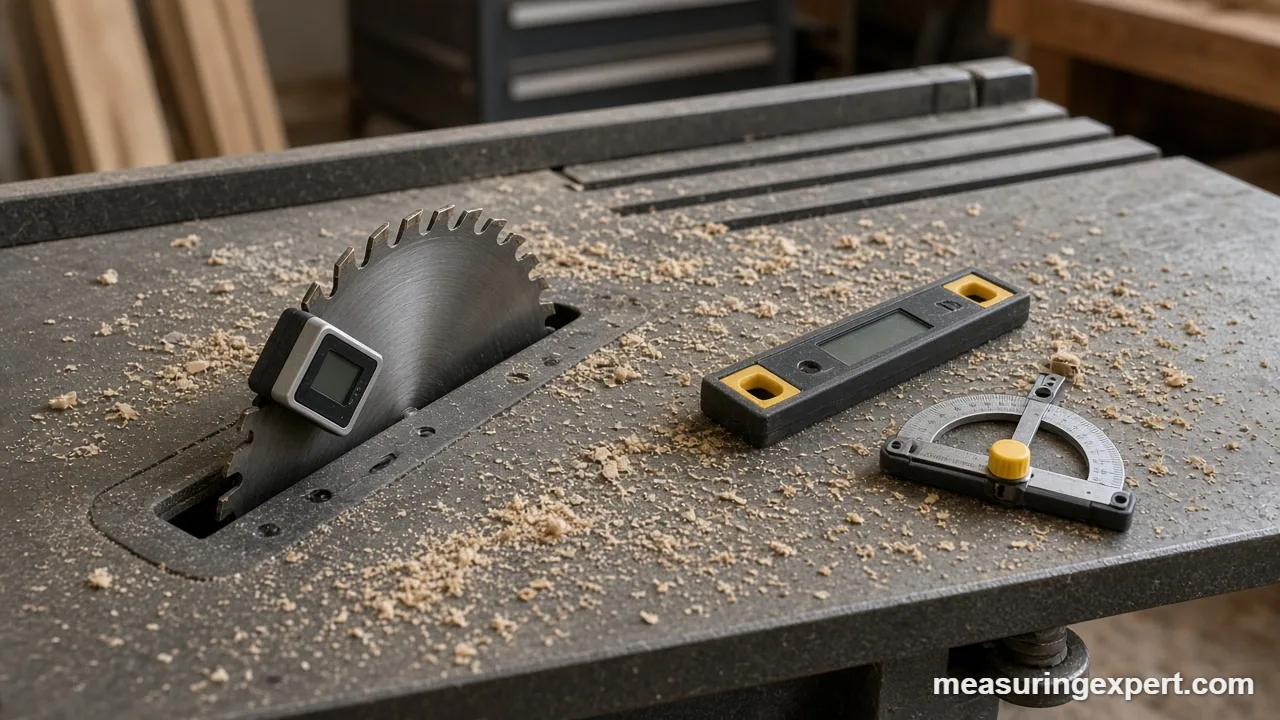
We also kept to established brands and allowed no more than two models per brand. In addition, each pick covers a distinct job: blade setup, corner copying, compound miters, phone logging, layout, machine leveling and clinical range of motion. Finally, we left out the Klein 935DAG, Wixey WR300 and other cube gauges that already appear in our magnetic angle finder guide, so the two lists do not repeat each other.
Inclinometer Types Compared: Which Best Inclinometer Style Do You Need?
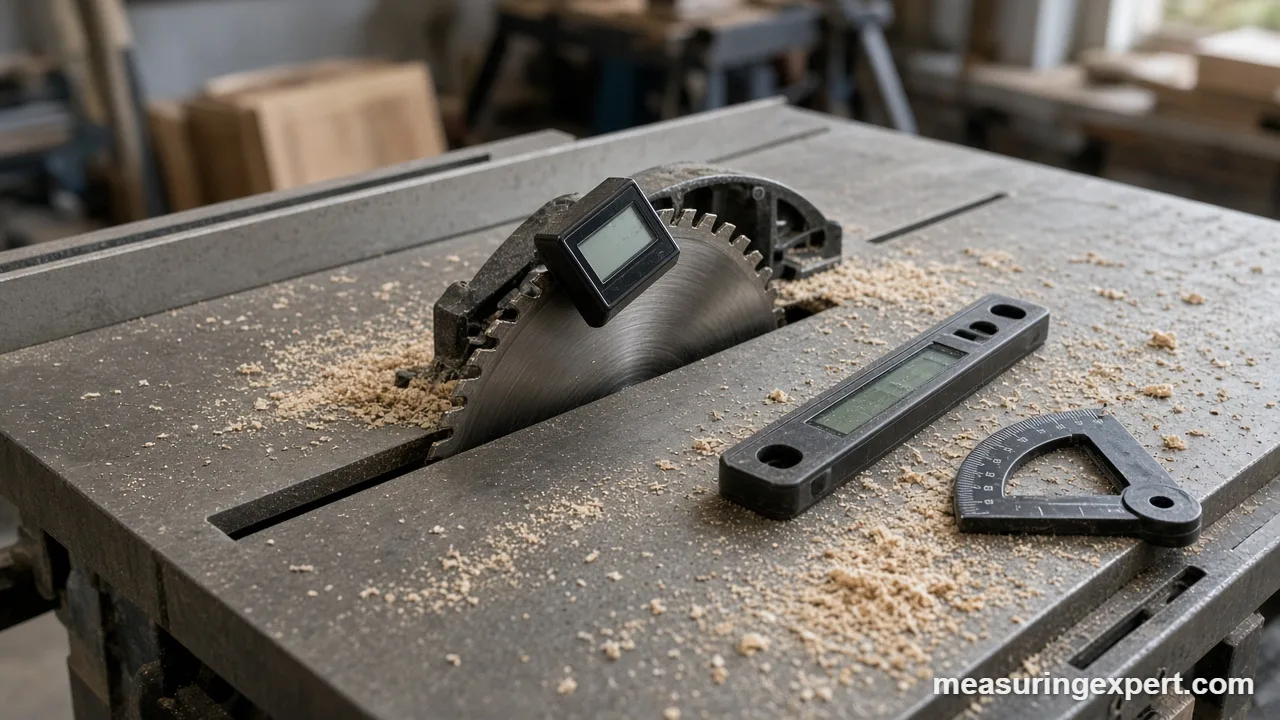
In practice, the word inclinometer covers several tools. So start by matching the tool type to the angle you need to read.
| Type | What it measures | Typical resolution | Good for | Pick here |
|---|---|---|---|---|
| Bevel box (cube gauge) | Tilt vs. gravity or vs. a zeroed surface | 0.1 degree | Blade tilt, miter saw bevels, jointer fences | Wixey WR365 |
| Digital angle finder | Angle between two legs | 0.1 degree | Copying wall corners, trim | General Tools 822 |
| Angle finder with calculator | Leg angle plus tilt, with miter math | 0.1 degree | Crown molding, compound miters, stairs | Bosch GAM 270 MFL |
| Digital pocket level | Tilt vs. gravity, several units | 0.05 to 0.1 degree | Brackets, drains, conduit | Sola GO! SMART |
| Digital protractor | Angle between two arms | 0.1 degree | Miter gauges, layout, band saw tables | Wixey 8 in Digital Protractor |
| Precision machinist level | Very small tilt on two axes | 0.001 degree | Machine beds and bases | Digi-Pas DWL-1500XY |
| Clinical inclinometer | Body segment angle vs. gravity | Varies by model | Range of motion | Baseline 12-1057 |
For a wider tour of protractors, squares and bevels, see our guide to tools for measuring angles.
Best Inclinometer Specs Explained
At first glance, spec sheets for angle tools look alike. However, a few numbers decide how well the tool works. Here is what each one means in practice.
Resolution vs. accuracy
Resolution is the smallest step the screen shows, such as 0.1 or 0.05 degrees. Accuracy, on the other hand, is how close the reading is to the true angle. For example, the WR365 shows 0.1 degree steps but is rated at plus or minus 0.2 degrees. So a reading of 45.0 means the true angle is somewhere from 44.8 to 45.2 degrees.
Accuracy at level vs. at other angles
In general, many digital levels are most accurate at exactly 0 and 90 degrees. The Sola GO! SMART, for instance, is rated at 0.05 degrees at level and plumb but 0.2 degrees in between. Therefore, check the spec at the angle you use most, not just the headline number.
Absolute vs. relative zero
First, absolute mode reads tilt against true level. Relative mode, by contrast, zeroes on any surface and reads from there. That matters on a table saw because the saw itself is rarely perfectly level. As a result, you zero on the table and read the blade relative to it.
Units: degrees, percent, in/ft and pitch
Woodworkers think in degrees, while plumbers think in inches per foot and roofers think in pitch (rise per 12 in of run). Similarly, civil and ADA work uses percent grade. A tool that switches units saves you the math, although the calculator below does it too.
Magnets, display and power
To begin with, strong base magnets hold a gauge on a steel blade, so you can turn the bevel wheel with both hands. Also, a flip-up or auto-rotating screen stays readable when the tool sits sideways or overhead. Finally, check the cell type: coin cells keep tools small, while AA cells run longer.
Best Inclinometer Angle, Grade and Pitch Calculator
Your tool may read in degrees while your plan lists a slope or a roof pitch. So enter a value below to convert between degrees, percent grade and pitch. The default is 45 degrees.
For example, a 6 in 12 roof is 26.57 degrees, and a 1/4 in per foot drain slope is about 1.19 degrees (2.08%). Likewise, a 1:12 ramp is about 4.76 degrees (8.33%).
How to Set a Table Saw Bevel with the Best Inclinometer
In fact, good technique matters as much as the tool. So follow these steps whenever you set a bevel on a table saw.
- Unplug the saw and raise the blade to full height.
- Clean the table and the blade face so dust does not tilt the gauge.
- Set the inclinometer on the table near the blade and press zero.
- Attach the gauge to the blade body, between the teeth, with the screen facing you.
- Turn the bevel wheel until the display shows the target angle, such as 45.0 degrees.
- Lock the bevel, then read the gauge again to confirm the lock did not shift it.
- Make a test cut in scrap and check the joint before you cut good stock.
Calibration and Care for a Digital Inclinometer
Inside most digital angle tools is a small MEMS tilt sensor. Its reading can also shift with drops, temperature swings and weak cells. Therefore, check it often, and recalibrate when the check fails. Our guide on how to calibrate angle tools covers the full process.
Do
- Run a flip test: zero on a flat surface, turn the tool 180 degrees, and confirm it still reads zero.
- Let a cold tool warm up to room temperature first.
- Replace weak cells early, since low voltage can cause drift.
- Wipe the base clean so chips and dust do not lift one edge.
Don’t
- Drop the tool or toss it in a bin with heavy hand tools.
- Store it next to a strong magnet that could pick up steel chips.
- Trust a reading taken on a dirty or warped surface, because grit lifts the base.
- Skip the test cut, even after a careful setup.
Honest Limits of Any Inclinometer
Above all, a digital inclinometer is only as good as its reference. If the saw table is warped or the blade wobbles, the display will look exact and the cut will still be off. In addition, a 0.1 degree error looks tiny, but across a 24 in miter it moves the far end by about 0.04 in. That is enough to open a visible gap on a picture frame with eight joints.
Also, short tools cannot average out a bumpy surface. So for a door header or a deck ledger, a 24 to 48 in digital level is the better tool. Finally, phone apps are handy for rough checks, but they are not calibrated against a known standard.
Best Inclinometer FAQ
What is the best inclinometer for a table saw?
For most woodworkers, a magnetic bevel box such as the Wixey WR365 is the best inclinometer for a table saw. It zeroes to the saw table, sticks to the blade and reads tilt in 0.1 degree steps.
What is the difference between an inclinometer and an angle finder?
An inclinometer measures tilt relative to gravity, so it needs no second surface. An angle finder or digital protractor measures the angle between its own two arms, which is better for copying corners.
How accurate does an inclinometer need to be for woodworking?
For furniture and cabinets, plus or minus 0.2 degrees is usually enough. That is because a 0.2 degree error across a 24 in board edge is only about 0.08 in of rise.
Can I use my phone as an inclinometer?
Yes, for rough checks. However, phone sensors are not calibrated to a known standard, and the case and camera bump can tilt the phone, so a dedicated tool is more repeatable.
How do I calibrate a digital inclinometer?
Most models use a two-position check. First, zero the tool on a flat surface, then turn it 180 degrees in the same spot. If the reading is not zero, follow the maker calibration steps.
Why does my bevel box read 45.1 degrees when my square says 45?
Usually the reference is off. For example, the saw table may not be level, or the gauge was not zeroed on the table. Zero the gauge on the table first, then read the blade.
What does relative zero mean on an inclinometer?
Relative zero sets the current surface as 0 degrees. Then every reading is measured from that surface instead of true level, which is how you measure blade tilt on a saw that is not level.
How do I convert degrees to roof pitch?
Multiply the tangent of the angle by 12. For example, 26.57 degrees equals a 6 in 12 pitch, and 45 degrees equals 12 in 12. The calculator on this page does the math for you.
Is a digital level better than a bubble level?
A digital level shows a number, so you can read small errors and match a target slope. However, a good bubble vial needs no batteries, so many pros carry both.
Do inclinometers need batteries?
Digital models do. The picks here use CR2032, AAA or AA cells. Meanwhile, mechanical inclinometers with a pendulum or vial need no power at all.
Bottom Line: The Best Inclinometer to Buy
For blade bevels, miter saw setup and quick level checks, the Wixey WR365 is the best inclinometer for most woodworkers. It zeroes to your table, holds itself on the blade, and reads in 0.1 degree steps. However, if you copy corners on a budget, get the General Tools 822. And if you cut crown and compound miters on site, the Bosch GAM 270 MFL does the math for you.
3 thoughts on “7 Best Inclinometer Picks for Woodworking and Construction (2026)”