
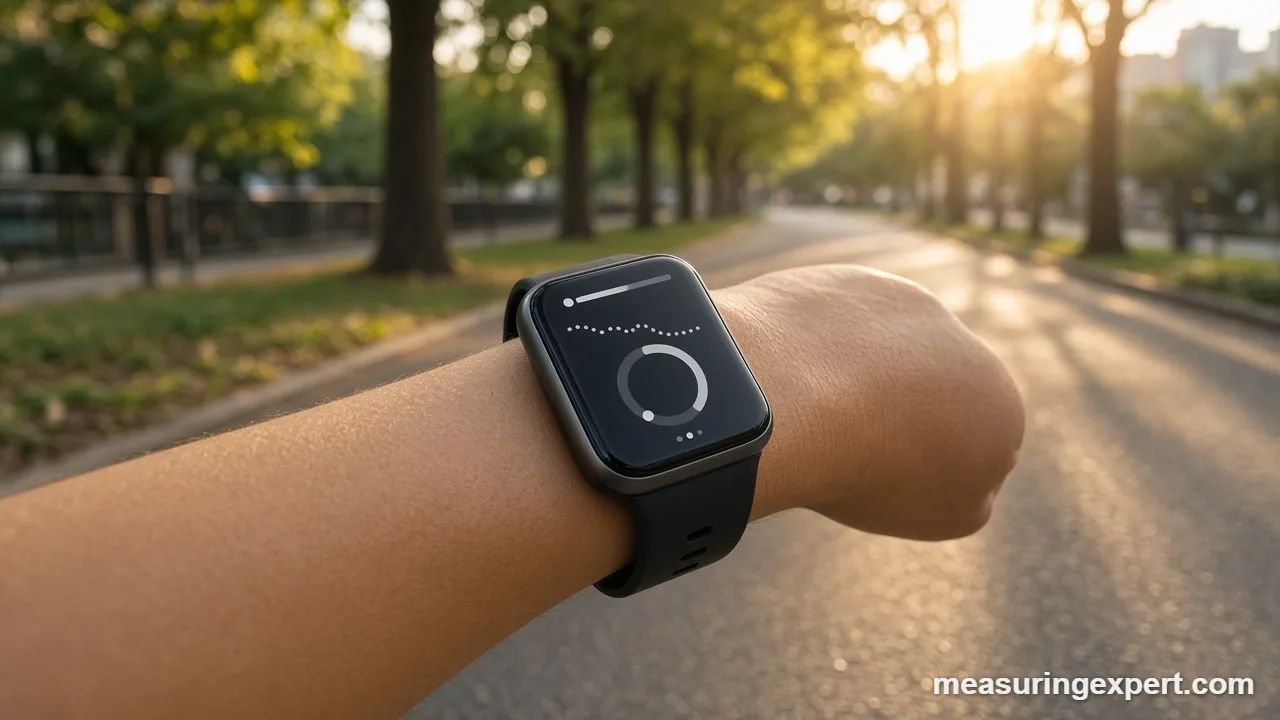
Yes. Apple Watch speed tracking is built into the Workout app. Running and walking workouts show pace (minutes per mile or km), while cycling workouts show speed in mph or km/h. Outdoors, the watch uses GPS; indoors, it estimates distance from its accelerometer and your calibrated stride.
Most people asking whether an Apple Watch can measure speed have already started a run or ride and seen a number like 9’40” on the screen. That number is speed, just written differently. Runners usually think in pace (time per mile), whereas cyclists think in miles per hour. So the watch shows whichever format suits the workout type, and you can change which metrics appear.
There is no separate “speedometer” app on the watch. Instead, speed lives inside each workout. You start an Outdoor Run, Outdoor Walk or Outdoor Cycle workout, and the watch calculates how fast you are moving from location fixes and motion data. In addition, you can add Bluetooth speed and cadence sensors for cycling on recent watchOS versions.
In short: your Apple Watch measures speed during workouts, displays it as pace for running and walking, and displays it as mph or km/h for cycling. Accuracy depends mainly on GPS reception and, for indoor workouts, on calibration.
Apple’s own support guide on calibrating Apple Watch for Workout and Activity accuracy explains the method: walk or run outdoors with good GPS reception for about 20 minutes, and the watch learns your stride length at different speeds.
Below, you will find a pace and speed converter, the exact steps to customize your workout views, a comparison of GPS and accelerometer tracking, and practical tips that make the numbers more reliable.
Convert Your Apple Watch Speed or Pace
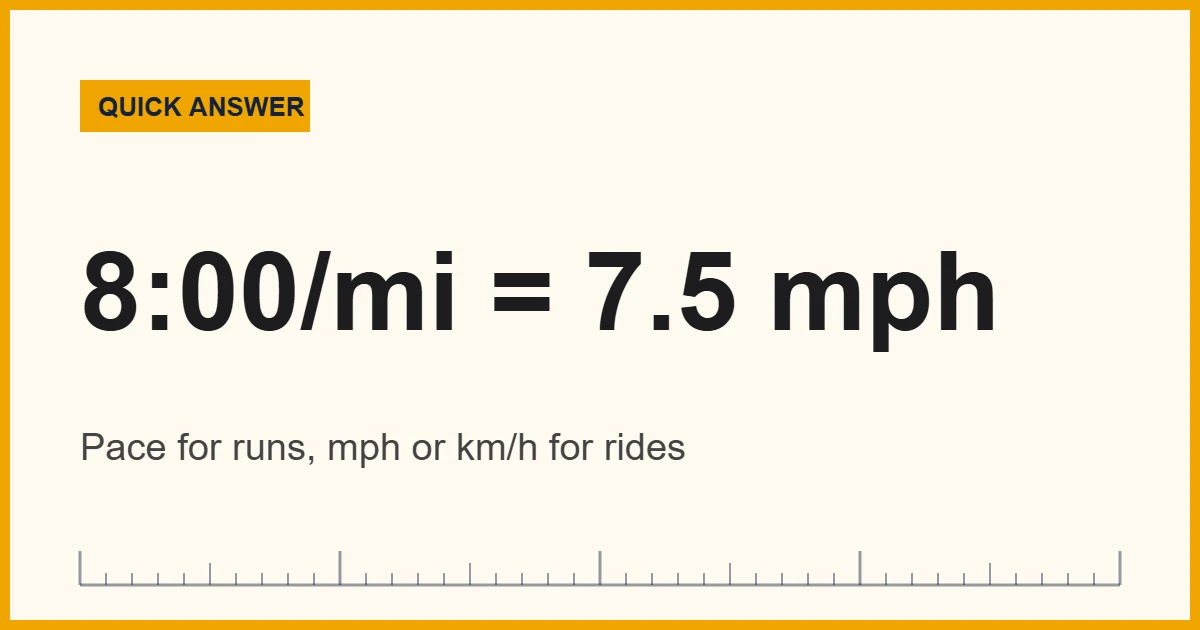
Your watch might show 7.5 mph on a ride, but a training plan might list 12 km/h. Enter a value below to switch between mph, km/h, meters per second, feet per second and knots. For pace, first divide 60 by your minutes per mile to get mph (for example, 60 / 8 = 7.5 mph).
Recommended Tools for Tracking Speed With Apple Watch
You do not need extra gear to see speed on the watch. Still, a few accessories help. First, a Bluetooth speed sensor on the wheel hub gives cyclists steadier speed than GPS alone, especially under trees. Next, a secure sport band keeps the optical sensor and motion sensors snug, which helps both heart rate and stride data. Finally, a handlebar mount lets you watch the iPhone Live Activity while you ride.
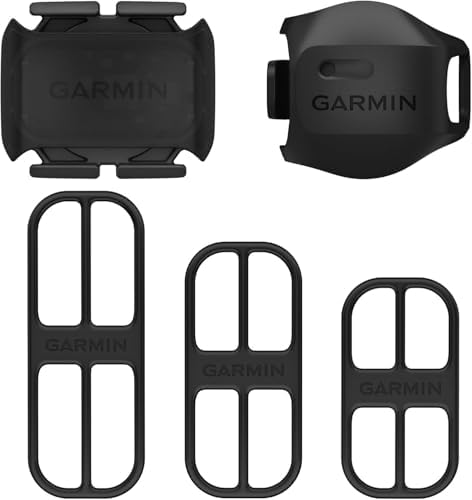



As an Amazon Associate, Measuring Expert earns from qualifying purchases.
- Running and walking workouts show pace; cycling workouts show speed in mph or km/h.
- Outdoors, the watch relies on GPS. Indoors, it uses the accelerometer and your learned stride.
- A 20-minute outdoor walk or run in an open area calibrates the watch.
- You can add, remove and reorder metrics in each workout’s Views screen.
- Bluetooth speed and cadence sensors pair under Settings, then Bluetooth, on the watch.
- Tall buildings, tree cover and a loose band are the usual causes of jumpy readings.
Where Apple Watch Speed Shows Up in the Workout App
The Workout app decides the format based on the activity. As a result, the same watch shows different numbers for a run and a ride, even at the same speed.
| Workout type | How speed appears | Main data source |
|---|---|---|
| Outdoor Run | Current pace, average pace, rolling pace (time per mile or km) | GPS, plus accelerometer |
| Outdoor Walk / Hiking | Pace and distance | GPS, plus accelerometer |
| Indoor Run / Indoor Walk | Estimated pace and distance | Accelerometer and calibrated stride |
| Outdoor Cycle | Speed (mph or km/h), average speed, distance | GPS, or a paired speed sensor |
| Indoor Cycle | Speed only with a paired sensor | Bluetooth sensor |
For runners, Apple’s running guide also lists stride length, ground contact time, vertical oscillation and running power. Those metrics describe your form; however, pace remains the main speed figure. If you want to know what a given pace means in mph, our guide to how fast an 8-minute mile is works through the math.
Apple Watch Speed: GPS vs Accelerometer
Your watch has two ways to judge how fast you move, and it blends them. GPS measures position change over time, so it works well outdoors with a clear sky. The accelerometer, by contrast, counts arm swings and steps, then multiplies by a stride length the watch has learned. That second method keeps working indoors, in tunnels or on a treadmill.
| Feature | GPS tracking | Accelerometer estimate |
|---|---|---|
| Where it works | Outdoors with open sky | Anywhere, including treadmills |
| Needs calibration? | No | Yes, from outdoor GPS workouts |
| Common errors | Drift near tall buildings and trees | Stride changes with speed, hills or fatigue |
| Best for | Outdoor runs, walks and rides | Indoor runs and walks |
| Map of route | Yes | No |
Apple says Apple Watch Ultra and later, Series 8 and later, and SE (2nd generation) use their built-in GPS even when your iPhone is nearby. Older models with GPS, on the other hand, use the iPhone’s GPS when it is available to save battery. Either way, the result is the same type of measurement. Similarly, the iPhone itself can act as a speedometer; see how to measure speed with an iPhone for apps and methods.
How to Customize Apple Watch Speed Views
By default, the running views focus on pace and the cycling views on speed. You can choose which views appear, swap individual metrics and change the order. These steps follow Apple’s guide to customizing workout views.
- Open the Workout app on your Apple Watch.
- Turn the Digital Crown to the workout you want, such as Outdoor Run or Outdoor Cycle.
- Tap the Views button on that workout tile and scroll through the available views.
- Choose Include next to each view you want to see during the workout.
- Edit a metric in the Metrics views: tap Edit, select a metric, then pick a replacement such as current pace or speed.
- Reorder the views by tapping Reorder at the bottom and dragging them into place.
- Check your units in Settings, then Workout, then Units of Measure, so distance shows in miles or kilometers.
Each workout type keeps its own views. So if you customize Outdoor Run, your Outdoor Walk screens stay as they were. Also, Apple notes that cardio workouts have more views by default, and Ultra models can show up to five metrics per screen.
Apple Watch Speed for Cycling
Cycling is where the watch shows true speed in mph or km/h. During an Outdoor Cycle workout, it tracks speed, average speed, distance, heart rate and elevation. In addition, the workout appears automatically as a Live Activity on your iPhone, so a handlebar-mounted phone can show the same data in a larger view.
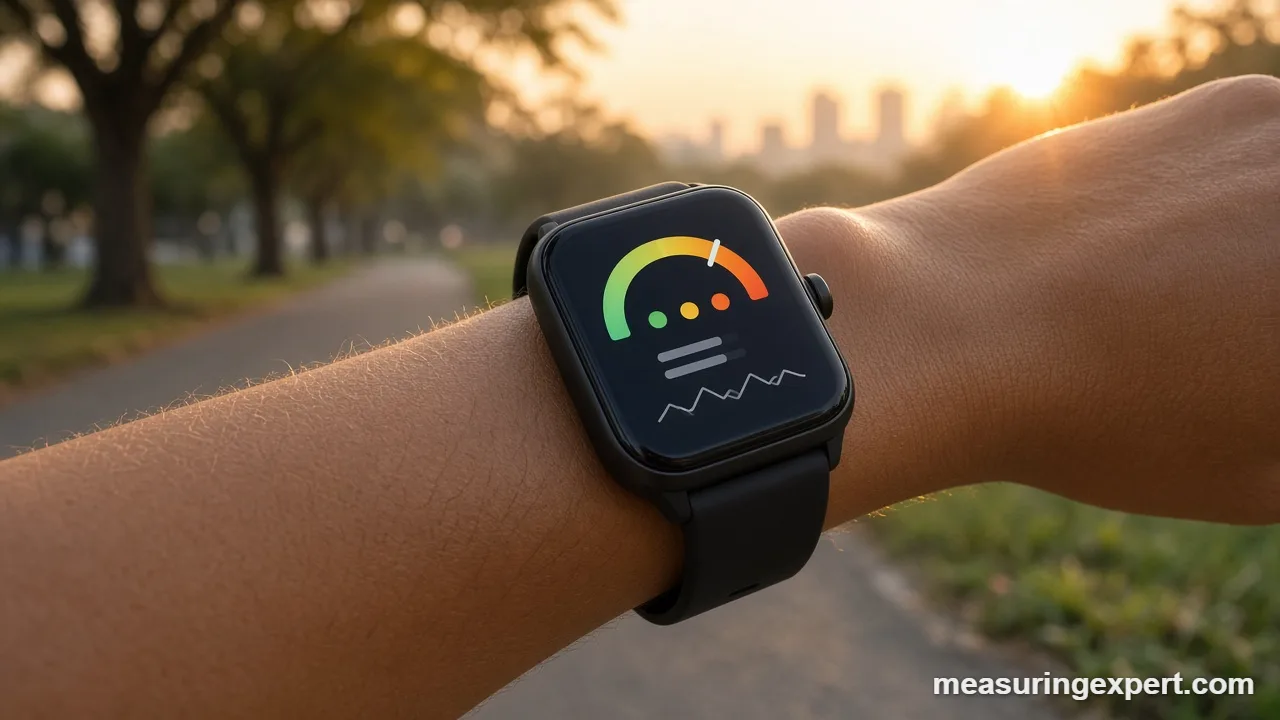
GPS speed on a bike is usually good on open roads. However, it can lag on twisty trails or under thick trees. That is where a wheel speed sensor helps, because it counts wheel turns instead of reading satellites. Apple’s cycling guide describes the pairing steps:
- Wake the sensor by spinning the wheel or crank.
- Go to Settings on the watch, then Bluetooth, and select the sensor under Health Devices.
- Set your wheel size by tapping the info button, since the sensor turns rotations into distance.
Common speeds on a bike, for reference: 10 mph is 16.09 km/h, 15 mph is 24.14 km/h, and 20 mph is 32.19 km/h.
Calibrating Apple Watch Speed for Accuracy
Calibration teaches the watch your stride at different speeds. Consequently, indoor workouts and GPS dropouts become far more accurate. Apple recommends these conditions:
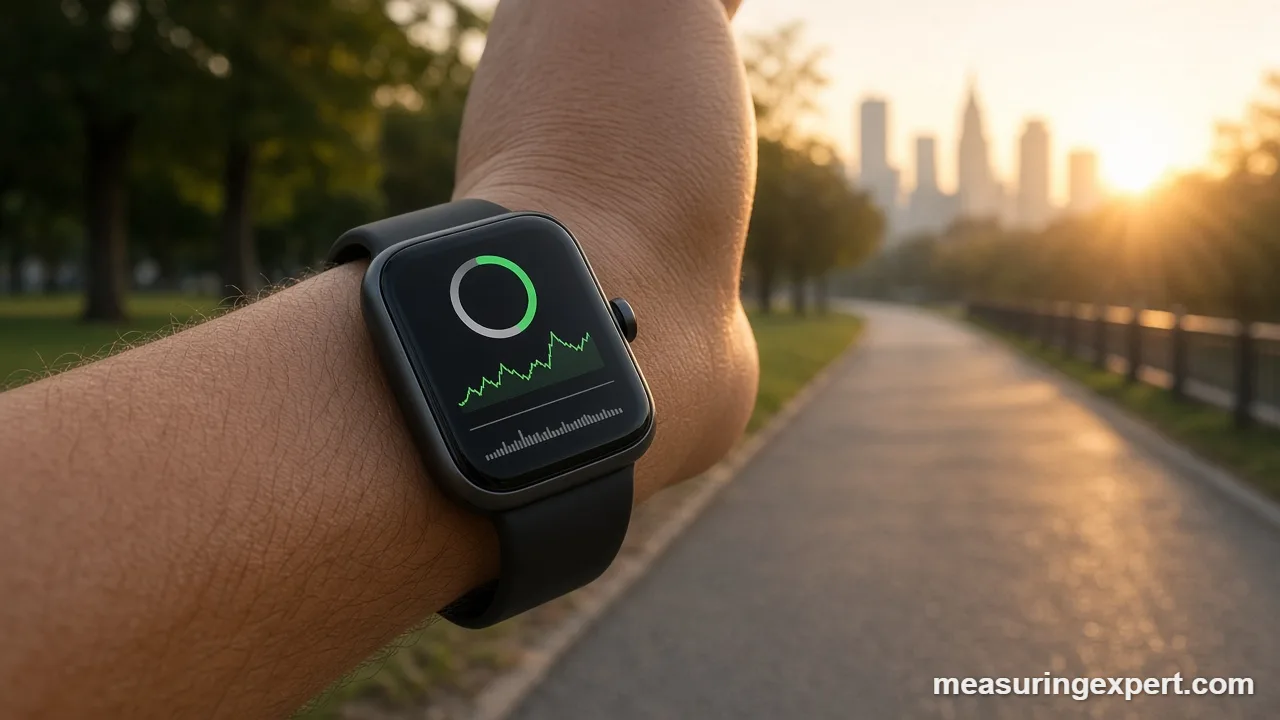
- Pick a flat, open outdoor area with good GPS reception and clear skies.
- Start an Outdoor Walk or Outdoor Run workout in the Workout app.
- Keep moving for about 20 minutes at your normal pace; several shorter sessions also add up.
- Repeat at other speeds you use often, such as an easy jog and a tempo run.
Also, check that Location Services and Motion Calibration and Distance are on. On the iPhone, open Settings, then Privacy and Security, then Location Services, then System Services. If your numbers seem off after a new watch or a change in how you run, reset the data in the iPhone Watch app: My Watch, then Privacy, then Reset Fitness Calibration Data. After that, calibrate again outdoors.
Tips to Make Apple Watch Speed More Accurate
Small habits make a big difference to the numbers you see. Here are the ones that matter most:
- Wait a few seconds before you start so the watch can get a GPS fix; otherwise the first minute may read slow.
- Wear the band snug, about a finger’s width above the wrist bone.
- Choose the correct workout type, because an Outdoor Walk and an Outdoor Run use different models.
- Use average pace for decisions; current pace jumps around on short stretches.
- Add a speed sensor for cycling under trees or in city canyons.
- Keep watchOS updated, since Apple refines workout tracking in updates.
Do and Don’t for Reading Speed on Your Watch
Do
- Calibrate outdoors for 20 minutes.
- Pick the workout that matches the activity.
- Swap a metric to show current pace or speed.
- Enter the right wheel size for sensors.
- Compare against a measured track lap now and then.
Don’t
- Trust the first minute before GPS settles.
- Wear the band loose during runs.
- Expect Indoor Cycle speed without a sensor.
- Judge your pace from one short stretch.
- Rely on watch speed for driving or legal purposes.
Honest Limits
An Apple Watch is a good fitness tool, not a calibrated speed instrument. GPS positions wander by a few meters, so on short intervals the pace can swing by many seconds per mile even when you run steadily. Meanwhile, indoor estimates depend entirely on your stride, which changes with fatigue, hills and shoes. Treadmill belts also differ from what their displays say, so the watch and the treadmill rarely agree exactly. In short, treat single readings as rough and trends over many workouts as meaningful. If you need a precise number, time yourself over a measured distance and use the converter above.
When to Contact Apple Support
If distance or pace stays clearly wrong after you reset and redo calibration, the problem may not be technique. For instance, a watch that never gets a GPS fix, shows no route map after outdoor workouts, or loses paired sensors repeatedly may need service. In that case, contact Apple Support or visit an authorized service provider. Likewise, for heart-rate or health concerns raised by workout data, talk to a doctor.
Apple Watch Speed FAQs
Can an Apple Watch measure speed?
Yes. The Workout app measures speed in every distance-based workout. It shows pace for running and walking and mph or km/h for cycling.
How do I see Apple Watch speed instead of pace?
Open the Workout app, tap the Views button on your workout, tap Edit in a Metrics view, and choose a different metric. Cycling workouts show speed by default.
Does Apple Watch speed use GPS?
Yes, outdoors. Indoors, the watch estimates speed from its accelerometer and the stride length it learned during outdoor calibration.
Can an Apple Watch work as a speedometer?
Yes, during an Outdoor Cycle or other outdoor workout. There is no standalone speedometer app built in, but third-party speedometer apps exist on the App Store.
How do I calibrate my Apple Watch?
Start an Outdoor Walk or Outdoor Run in a flat, open area with good GPS and keep going for about 20 minutes. Repeat at other speeds you use often.
Why does my pace jump around?
GPS positions drift by a few meters, so current pace swings on short stretches. Average pace over a mile or a whole workout is more reliable.
Can I pair a bike speed sensor with Apple Watch?
Yes, on recent watchOS versions. Go to Settings, then Bluetooth, select the sensor under Health Devices, and set the wheel size.
Is Apple Watch speed accurate on a treadmill?
It is an estimate. Accuracy depends on calibration, and treadmills themselves can differ from their displays, so expect small differences.
How do I convert pace to mph?
Divide 60 by your minutes per mile. For example, an 8:00 mile is 60 / 8 = 7.5 mph, which is about 12.07 km/h.
How do I reset Apple Watch calibration?
In the iPhone Watch app, tap My Watch, then Privacy, then Reset Fitness Calibration Data. Then calibrate again with an outdoor walk or run.
The Bottom Line
Your Apple Watch does measure speed, and it does so in every outdoor workout. Runners see it as pace, cyclists see it as mph or km/h, and the Views screen lets you show exactly the metrics you care about. GPS handles outdoor tracking, while calibration makes indoor and patchy-signal workouts much closer to reality.
So start with a 20-minute outdoor calibration, customize your views, and add a wheel sensor if you ride under trees. Finally, use the converter at the top of this page whenever you need to turn pace into mph or km/h.