

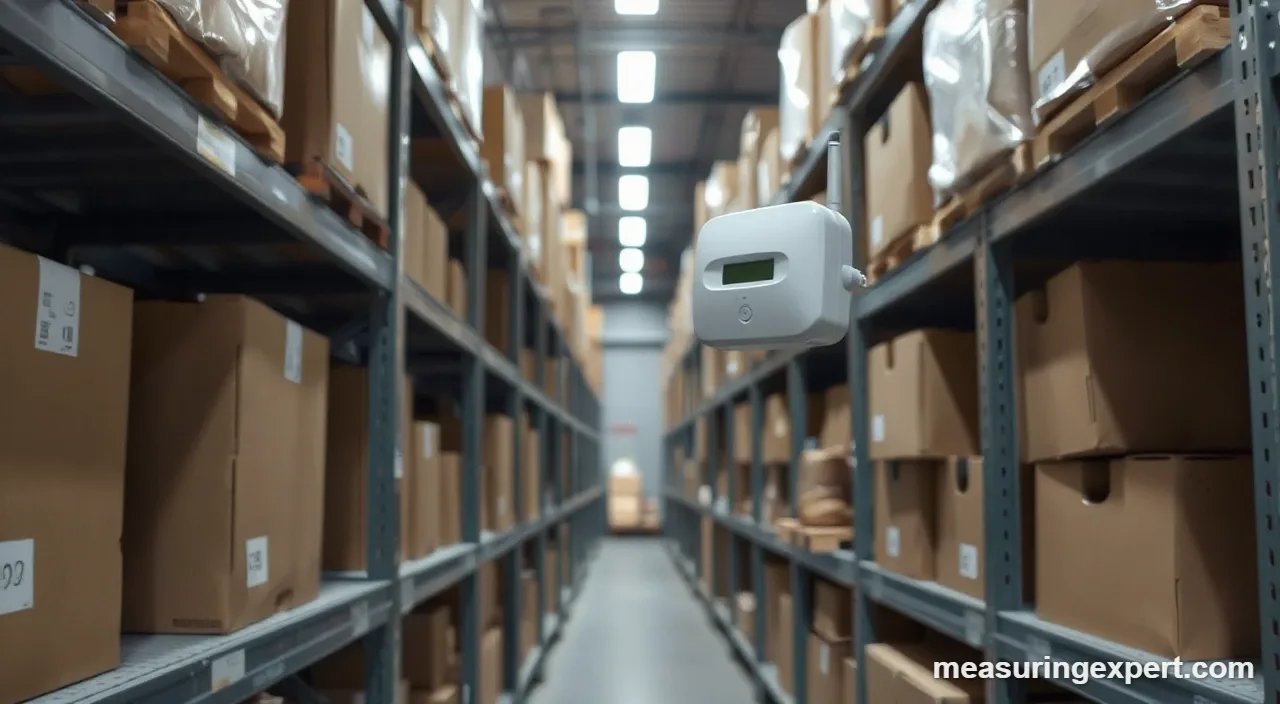
A cabinet of precision tools rusts overnight. A pallet of cardboard goes soft. A paint booth refuses to dry. In each case humidity is the quiet culprit, and in a workshop or warehouse you need a hygrometer that can survive the room and report what it sees.
The best hygrometer for most workshops and storage rooms is a logging sensor with a sealed or water-resistant body, such as the SensorPush HT.w, because you can review the humidity history when something goes wrong. For dusty or splash-prone spaces, an IP65 sensor like the Sonoff SNZB-02WD fits, and for many rooms a kit like the YoLink or SwitchBot hub sets covers more ground. None of these is a certified laboratory instrument.
In short: pick for the environment first, then for connection and logging, and use a calibrated reference instrument whenever an audit or contract depends on the number.
A note on scope. We found six sensors that suit this topic well and no genuinely certified industrial instruments, so this is a 6-pick guide rather than a padded top 10. The picks are rugged consumer and prosumer sensors, and we say so plainly below.
For indoor humidity targets, the U.S. Environmental Protection Agency recommends keeping relative humidity below 60 percent, ideally 30 to 50 percent, in its moisture control guidance. See also our best humidity meters for living spaces, our dew point explainer and our moisture meter roundup.
As an Amazon Associate we earn from qualifying purchases. Picks are based on manufacturer specs and buyer reports, not on lab testing, and we never type prices because they change.
Water-resistant Bluetooth loggerBest IP65 SensorSONOFF SNZB-02WD IP65 Zigbee Temperature and Humidity Sensor
IP65 rating and an LCD screenBest for Long-Range NetworksYoLink Indoor Temperature and Humidity Sensor Kit (2-Pack and Hub)
Two sensors and a hub in one kit
Key Takeaways
- Best overall: the SensorPush HT.w water-resistant logger.
- Best IP65 housing: the Sonoff SNZB-02WD Zigbee sensor.
- Best multi-room kits: YoLink or the SwitchBot 4-pack with a hub.
- These are rugged consumer and prosumer sensors, not calibrated lab instruments.
- Dew point matters more than RH for rust and condensation on cold metal.
- Verify any sensor with a two-point salt check before relying on it.
- Picks come from specs and buyer reports, not lab tests.
On this page
How We Chose These Picks
We shortlisted wireless and logging hygrometers from listings with strong ratings from many shoppers, focusing on features that matter in work spaces: sealed or water-resistant bodies, alerts, logging and multi-sensor networks. We compared what each maker states and skipped thin listings. This is research, not lab testing, and no accuracy tests were run.
Each brand appears at most twice. A calibration check product is shown in the calibration section as an add-on, not as a ranked pick.
Recommended Hygrometers for Workshops and Warehouses
The cards show what each maker states about housing, connection and kit contents. Prices are not listed because they change.
| # | Pick | Best for | Standout |
|---|---|---|---|
| 1 | SensorPush HT.w Temperature and Humidity Sensor | workshops, cold rooms and damp storage | Water-resistant Bluetooth logger |
| 2 | SONOFF SNZB-02WD IP65 Zigbee Temperature and Humidity Sensor | dusty or splash-prone spaces with a Zigbee hub | IP65 rating and an LCD screen |
| 3 | YoLink Indoor Temperature and Humidity Sensor Kit (2-Pack and Hub) | large buildings, barns and outbuildings | Two sensors and a hub in one kit |
| 4 | SwitchBot Wi-Fi Humidity Sensor 4-Pack with Hub 2 | monitoring many rooms or racks at once | Four sensors with a Matter-enabled hub |
| 5 | Govee WiFi Thermometer Hygrometer H5179 | small sites that need alerts | Wi-Fi sensor with phone notifications |
| 6 | SwitchBot Meter Pro Digital Hygrometer and Thermometer | shelves and benches where staff read the screen | Large wireless meter with a screen |
Buying for a workshop, lab or kitchen? Save with Amazon Business
#1Best Overall
SensorPush HT.w Temperature and Humidity Sensor
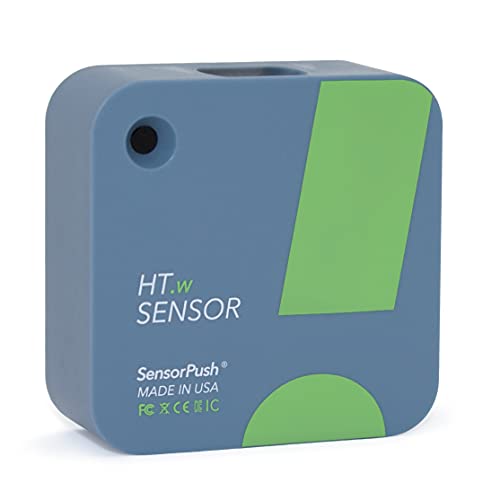
Best for: workshops, cold rooms and damp storage
SensorPush sells small data-logging sensors, and the HT.w model is listed as water resistant with Bluetooth. It stores readings and charts them in an app, which is exactly what you want when you need to prove what a room did overnight.
For remote access you typically add a gateway from the same maker, which is sold separately, so check the listing and the maker pages for what works with what. A small logger like this is easy to tuck onto a shelf or beam.
- Type: temperature and humidity sensor, per the title
- Water resistant, per the title
- Connection: Bluetooth, per the title
- Brand: SensorPush
- Logging and charts
- Water-resistant housing
- Small enough for tight spots
- Remote access needs extra hardware
- Not a certified instrument
Skip it if you need a calibration certificate for audits.
#2Best IP65 Sensor
SONOFF SNZB-02WD IP65 Zigbee Temperature and Humidity Sensor
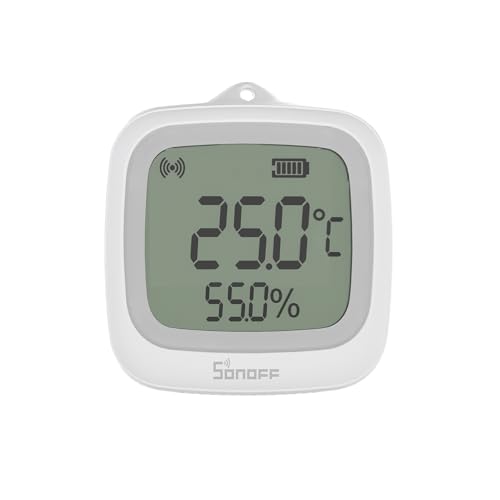
Best for: dusty or splash-prone spaces with a Zigbee hub
IP65 means the housing is dust tight and protected against water jets under the standard test. The Sonoff SNZB-02WD pairs that rating with an LCD, which makes it a good pick for garages, boiler rooms and workshops.
It speaks Zigbee, so you need a compatible hub or gateway. If you already run a Zigbee smart-home system, adding this sensor is simple.
- Rating: IP65, per the title
- Display: LCD, per the title
- Connection: Zigbee, per the title
- Brand: SONOFF
- IP65 housing
- Screen on the device
- Fits Zigbee systems
- Needs a Zigbee hub
- Not a certified instrument
Skip it if you do not use Zigbee.
#3Best for Long-Range Networks
YoLink Indoor Temperature and Humidity Sensor Kit (2-Pack and Hub)

Best for: large buildings, barns and outbuildings
YoLink builds its system around long-range wireless links meant to reach farther than ordinary Bluetooth, according to the maker. The kit includes two indoor sensors and the hub, which gets a multi-room network started in one box.
Long range suits sprawling sites, like a warehouse, a workshop across a yard or a basement far from the router. The sensors are listed for indoor use, so use a different model in wet areas.
- Contents: 2 sensors and a hub, per the title
- Type: indoor temperature and humidity
- Brand: YoLink
- Hub-based network
- Starter kit with a hub
- Designed for long range
- Good for multiple rooms
- Indoor use only
- Ecosystem lock-in to the YoLink app
Skip it if you want a single standalone gadget.
#4Best Multi-Sensor Kit
SwitchBot Wi-Fi Humidity Sensor 4-Pack with Hub 2

Best for: monitoring many rooms or racks at once
Four sensors plus a hub give you a network in one purchase. The title lists a Hub 2 that is Matter enabled, which helps if you use smart-home platforms that support Matter.
If you need many measurement points, a kit is cheaper to deploy than single sensors. Plan where each sensor goes and label them in the app.
- Contents: 4 sensors with Hub 2, per the title
- Type: Wi-Fi humidity sensors
- Brand: SwitchBot
- Matter-enabled hub, per the title
- Many sensors in one kit
- Smart-home integration
- Easy to expand
- Not rated for wet environments
- Hub required
Skip it if you only need to watch one room.
#5Best Budget-Style Wi-Fi Logger
Govee WiFi Thermometer Hygrometer H5179
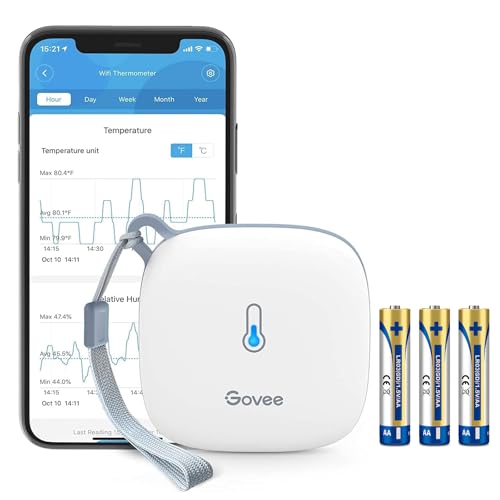
Best for: small sites that need alerts
The Govee H5179 offers Wi-Fi connection and phone alerts, which is enough for a small storage room where you want to know when humidity crosses a threshold.
It is also in our humidity meter roundup because the use case overlaps. Treat it as a consumer-grade logger, not as an audit instrument.
- Type: Wi-Fi thermometer-hygrometer, per the title
- Alerts: app notifications, per the title
- Brand: Govee
- Remote monitoring
- Remote alerts
- Easy setup
- Good for small sites
- Consumer-grade accuracy
- Needs Wi-Fi coverage
Skip it if you need a certified instrument.
#6Best Readable Display
SwitchBot Meter Pro Digital Hygrometer and Thermometer

Best for: shelves and benches where staff read the screen
The Meter Pro is a wireless digital hygrometer and thermometer listed with a prominent screen. On a bench or at a loading dock, a display that can be read from a few feet away saves time.
Use the app for logging and alerts and the screen for quick glances. Mounting it on a wall or a post at eye level makes it work like a small wall gauge.
- Type: wireless digital hygrometer-thermometer, per the title
- Brand: SwitchBot
- Display on the device
- Smart-home compatible
- Readable from a distance
- Logging in the app
- Works with SwitchBot hubs
- Consumer-grade design
- Features need the app
Skip it if you want a rugged, sealed housing.
What Industrial Really Means for a Hygrometer
The word industrial is used loosely in listings. A real industrial or laboratory hygrometer usually has a stated accuracy such as plus or minus 2 percent RH, a replaceable sensor, a calibration certificate and often a probe on a cable. Consumer sensors trade those for lower cost and easy apps.
| Feature | Consumer or prosumer sensor | Certified industrial instrument |
|---|---|---|
| Accuracy statement | Typically a few percent RH | Often 1 to 2 percent RH with a certificate |
| Calibration | User check or none | Traceable calibration, re-done on schedule |
| Housing | Plastic, sometimes water resistant | Sealed probe, rated housings |
| Records | App logging | Data loggers with audit trails |
If a customer, regulator or insurer needs documented humidity, buy a certified instrument and pay for calibration. For everyday protection of tools and stock, a sealed logger is a sensible and affordable tool.
Bluetooth, Wi-Fi, Zigbee and Long-Range Links
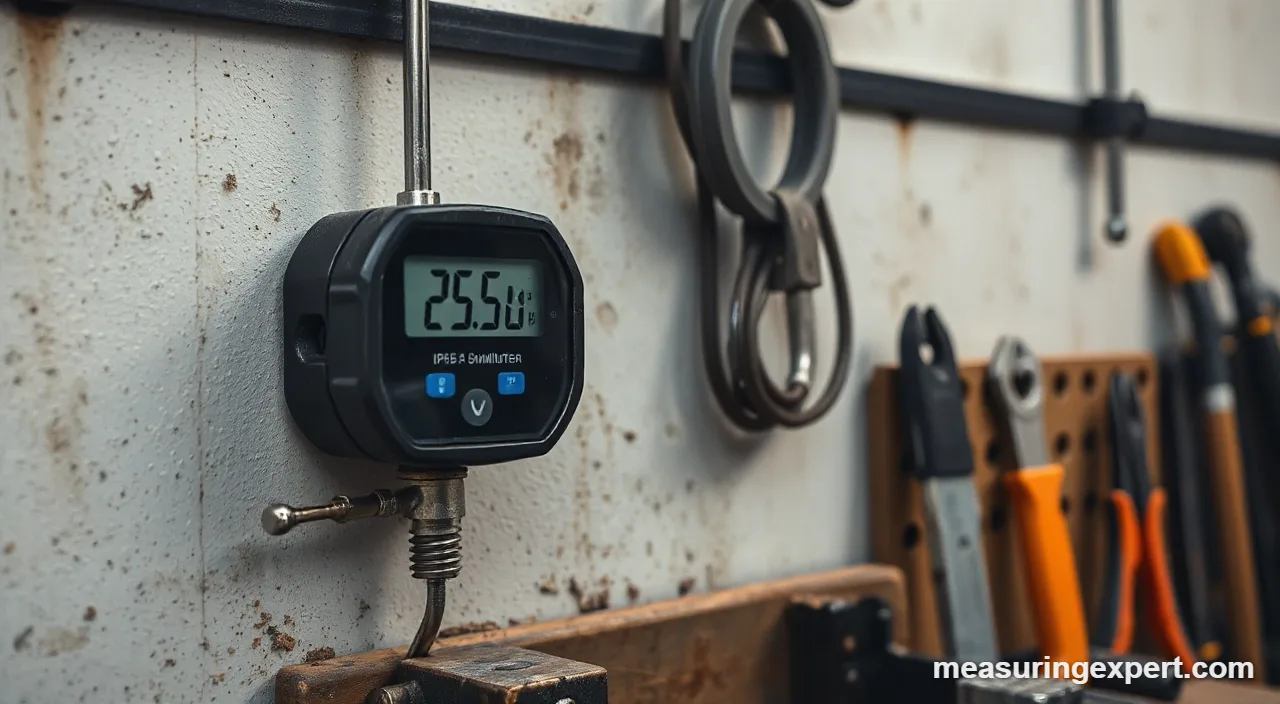
The way a sensor reports matters in a big building. Bluetooth is short range and needs a phone nearby or a gateway. Wi-Fi reaches a router but depends on coverage. Zigbee builds a mesh through a hub. Long-range hub systems, like those from YoLink, are designed to cover larger areas.
| Link | Range | Needs |
|---|---|---|
| Bluetooth | Short, about one room | Phone or gateway |
| Wi-Fi | Router coverage | Wi-Fi network and account |
| Zigbee | Mesh through the hub | Zigbee hub |
| Long-range hub | Larger buildings, per makers | Vendor hub |
Test the signal at the exact spot where you plan to mount each sensor before drilling or gluing anything.
Dew Point: The Number That Explains Rust and Condensation
Relative humidity changes with temperature, but dew point tells you when water will condense on a surface. If a steel bench, a pipe or a wall is colder than the room air dew point, it will get wet. In the table above, 77 F air at 60 percent RH has a dew point of about 62 F, so a metal surface at 60 F will collect moisture.
Use the dew point calculator above with your sensor readings and compare the result with the coldest surface in the room.
How to Verify a Hygrometer With a Two-Point Salt Check
Two humidity reference points give you a better picture than one. Saturated table salt gives about 75 percent RH, and saturated magnesium chloride gives about 33 percent RH, both at room temperature. A ready-made 75 percent pack is easier than mixing your own. Boveda sells one, shown here as a verification add-on, not a ranked pick.

- Place the sensor and the 75 percent pack in a sealed container, away from sun.
- Leave them at steady room temperature for 8 to 12 hours.
- Record the reading and subtract it from 75 to find the offset.
- If you can, repeat at a low humidity point and compare.
- If the offset is large, replace the sensor, or apply the offset in the app when it allows.
- Test the wireless signal at each mounting spot.
- Mount at the height of the stock or tools you protect.
- Record the offset from a salt check.
- Set alerts a few points before the danger zone.
- Replace batteries on a schedule.
- Put a sensor in direct sun or next to a vent.
- Rely on RH alone for rust control.
- Trust an unverified reading for audits.
- Spray a sensor that is not rated for it.
- Ignore failed signal alerts.
Honest Limits and When to Use a Calibration Lab
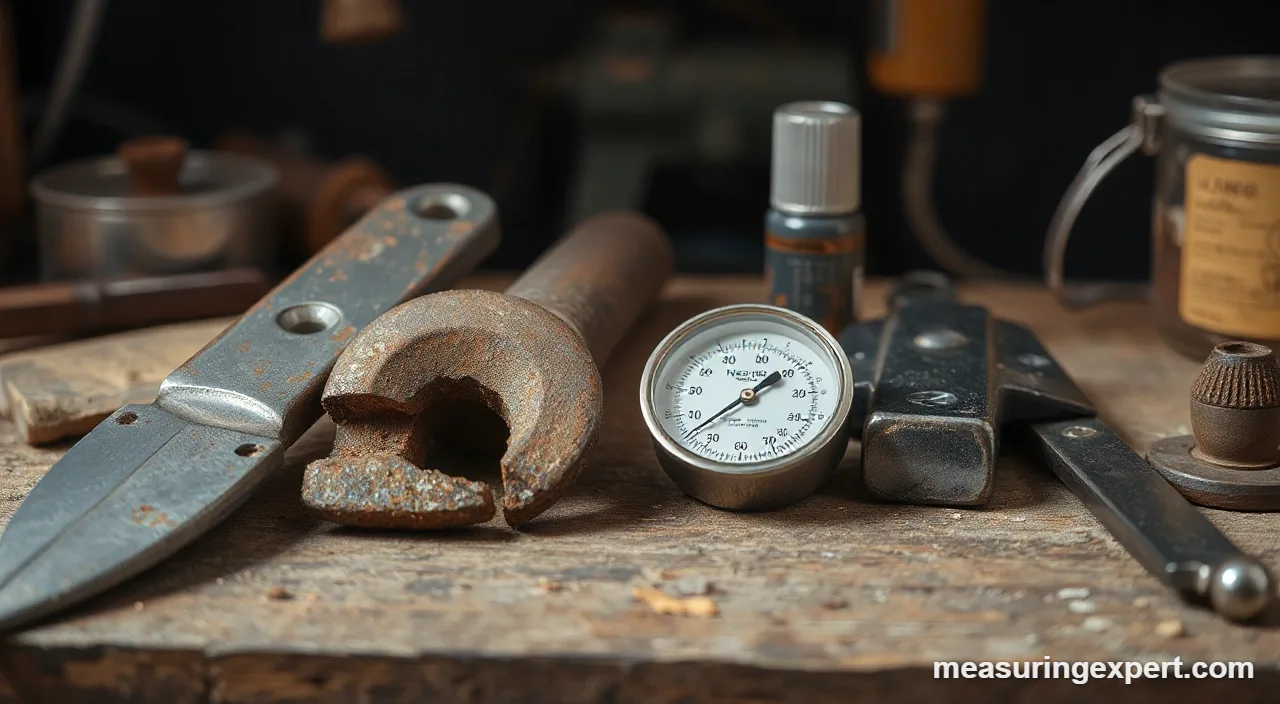
The sensors here are good for trends and alerts. They are not substitutes for a certified instrument where regulations, contracts or product quality depend on the humidity figure. In those cases, use a calibrated hygrometer and have it calibrated by an accredited laboratory on the interval the maker or your quality system requires. For health and mold questions, ask a qualified contractor or home inspector. This page is general guidance, not a regulatory or health opinion.
Industrial Hygrometer FAQ
What is an industrial hygrometer?
It is a humidity instrument built for work spaces, typically with a stated accuracy, a sturdier housing and often a calibration certificate. Many listings use the word loosely for rugged sensors.
Are the sensors on this page certified?
No. They are rugged consumer or prosumer sensors. For audits and regulated work, buy a hygrometer with a calibration certificate and keep it calibrated.
What does IP65 mean?
IP65 means dust tight and protected against low-pressure water jets under the IEC test. It says nothing about accuracy, so combine it with a calibration check.
What humidity is safe for tools and stock?
Many shops aim for about 40 to 50 percent, and the EPA advises keeping buildings below 60 percent. Targets vary by product, so follow the maker guidance for sensitive goods.
How do I calibrate a hygrometer?
Use a salt check: a sealed container with damp table salt holds about 75 percent RH. Compare the reading, note the offset and apply it. Certified work needs lab calibration.
Why do I see condensation when humidity looks normal?
Condensation depends on the dew point and surface temperature. A cold surface can be wet even when room RH is moderate. Use a dew point calculator to check.
Which connection is best for a warehouse?
Hub-based systems with longer range suit large buildings. Test the signal at each spot first, since metal racks and concrete can block radio waves.
How accurate are these sensors?
Makers usually state accuracy of a few percentage points of relative humidity. Check each listing and verify with a salt test.
Can I use these in a freezer or very hot room?
Only if the listing states a temperature range that covers it. Check the operating range before you buy.
How often should I check or replace sensors?
Check them at least once a year and after any big swing or impact. Replace the sensor if it fails a check or if readings freeze.
Bottom Line
Industrial spaces do not need fancy dashboards. They need a sensor that survives the room, reports reliably and tells you when conditions change. Start with a logging, water-resistant sensor like the SensorPush HT.w, use IP65 housings where dust and splashes are present and choose a hub kit when you need many points.
Keep honest about what these are. Use them to protect tools and stock, and use a calibrated instrument when someone else needs the number. A yearly salt check keeps the whole setup trustworthy.
Our verdict: the SensorPush HT.w for most workshops, the Sonoff IP65 sensor for dusty spaces, the YoLink kit for long-range coverage and the SwitchBot 4-pack for many measuring points.
Buying from this list? Get it fast, and catch Black Friday deals, with Prime