

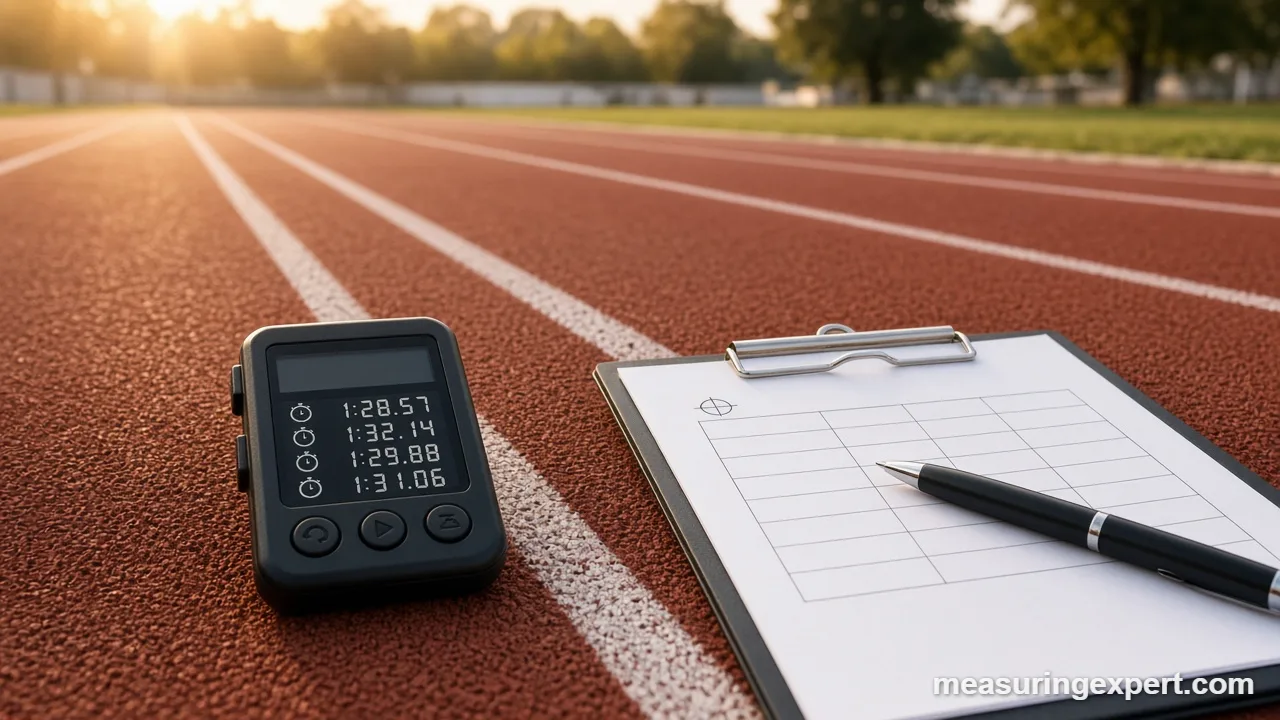
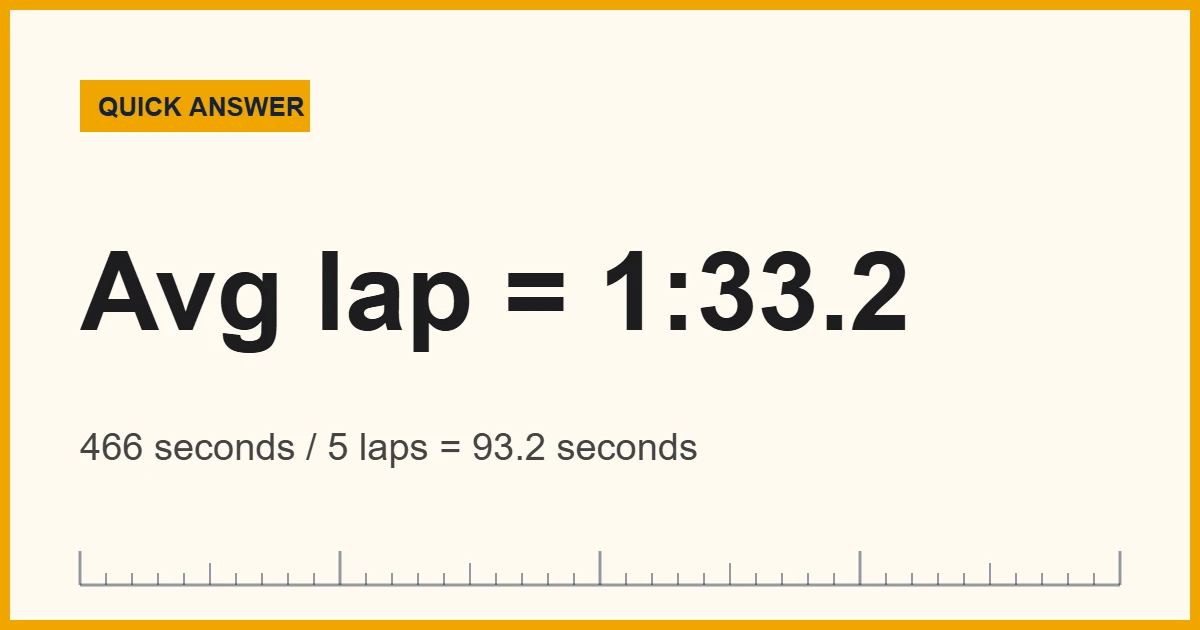
To find the average time of several durations, convert each one to seconds, add them up, and divide by how many there are. Then convert the result back to minutes and seconds. For example, laps of 1:32, 1:28, 1:35, 1:30 and 1:41 total 466 seconds, so the average time is 93.2 seconds, or 1:33.2.
Averaging times looks harder than averaging ordinary numbers, because a clock reading is not a decimal. For example, 1:30 is not “one point three” of anything; it means one minute and thirty seconds, or 90 seconds. As a result, if you simply average the digits you will get the wrong answer. The fix is to put every value into one unit first.
In short: work in one unit (usually seconds), take the arithmetic mean, and only format the answer as mm:ss or hh:mm:ss at the very end. That one habit solves almost every problem people meet with lap times, race splits, call-handling times, and weekly work hours.
The method rests on a fixed foundation. The second is the base unit of time in the International System of Units, and NIST explains that atomic clocks define it by counting 9,192,631,770 oscillations of a cesium atom. Because 60 seconds always make a minute and 3,600 seconds always make an hour, converting to seconds never loses accuracy.
Below, you will find a converter, a step-by-step method, worked examples in mm:ss and hh:mm:ss, the exact Excel formulas, and finally the traps that catch people out, such as averaging clock times across midnight.
Convert an Average Time Between Seconds, Minutes and Hours
Once you have a total or an average in seconds, enter it below. The converter then shows the same time in minutes and hours, so you can check your arithmetic quickly. For instance, the default value of 93.2 seconds is the lap average from the answer above.
Recommended Stopwatches for Timing Laps and Tasks
Good averages start with good measurements. A stopwatch with lap or split memory saves you from writing each time down while the clock runs. Look for clear lap recall, 1/100-second resolution for sports, and large buttons you can press without looking. Also, a dual-line display helps, because it shows the current lap and the running total at once. The picks below come from established timing brands, based on manufacturer specs and buyer reports.

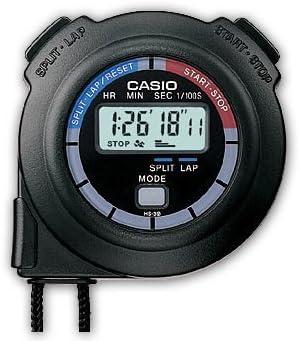


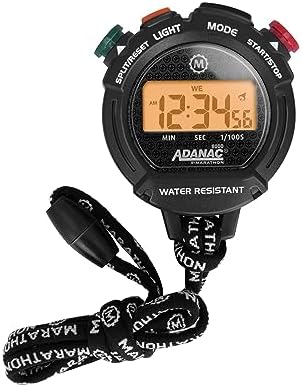

As an Amazon Associate, Measuring Expert earns from qualifying purchases.
Key Takeaways
- Average time = total time / number of entries, with every entry in the same unit.
- Seconds are the safest working unit; 1 minute = 60 s and 1 hour = 3,600 s.
- Never average the digits of mm:ss values as if they were decimals.
- In Excel, a typed “1:32” means 1 hour 32 minutes unless you enter 0:01:32.
- One slow outlier pulls the mean up, so check the median as well.
- Group averages with different counts need a weighted average.
- Clock times of day across midnight need special handling.
How to Calculate Average Time Step by Step
This method works for any list of durations, whether they are swim laps, commute times or support tickets. You can do it with a pencil, a phone calculator, or the converter above.
- Write down every duration. Use the same format for all of them, such as mm:ss for laps or hh:mm:ss for longer tasks.
- Convert each value to seconds. Multiply hours by 3,600 and minutes by 60, then add the remaining seconds.
- Add the seconds together. This sum is the total elapsed time for all entries.
- Count the entries. Include every valid measurement, but leave out false starts or obvious recording errors.
- Divide the total by the count. The result is the mean duration in seconds.
- Convert back to a readable format. Divide by 60 for minutes; the whole number is the minutes and the remainder is the seconds.
minutes = floor(average / 60); seconds = average – 60 x minutes
Worked Example: Lap Times in mm:ss
Suppose a runner records five laps of a track. Here is the full calculation, so you can follow every number.
| Lap | Time (mm:ss) | Conversion | Seconds |
|---|---|---|---|
| 1 | 1:32 | 1 x 60 + 32 | 92 |
| 2 | 1:28 | 1 x 60 + 28 | 88 |
| 3 | 1:35 | 1 x 60 + 35 | 95 |
| 4 | 1:30 | 1 x 60 + 30 | 90 |
| 5 | 1:41 | 1 x 60 + 41 | 101 |
| Total | 7:46 | – | 466 |
Next, divide 466 by 5 to get 93.2 seconds. Then 93.2 / 60 gives 1 whole minute with 33.2 seconds left over. So the mean lap is 1:33.2. By contrast, a quick “average of the digits” treats the laps as 1.32, 1.28 and so on. It happens to land close here only because every lap starts with 1 minute. With 0:55 and 1:05, however, it gives 0.80 (read as 0:48) instead of the correct 1:00.
The same steps also give you pace. For example, if you run three 5 km races in 25:40, 24:55 and 26:10, the total is 4,605 seconds and the mean is 1,535 seconds, or 25:35. Dividing by 5 km gives 307 seconds per km, which is a pace of 5:07 per km, or about 8:14 per mile. For pace and speed conversions, see how fast an 8-minute mile is.
Averaging Longer Durations in hh:mm:ss
Longer events work the same way; you simply include the hours. Take three bike rides of 1:05:20, 0:58:45 and 1:12:10.
- Ride 1: 1 x 3,600 + 5 x 60 + 20 = 3,920 s.
- Ride 2: 0 x 3,600 + 58 x 60 + 45 = 3,525 s.
- Ride 3: 1 x 3,600 + 12 x 60 + 10 = 4,330 s.
Together they total 11,775 seconds, which is 3:16:15. Dividing by 3 gives 3,925 seconds. Finally, 3,925 / 3,600 leaves 1 hour with 325 seconds over, and 325 seconds is 5 minutes and 25 seconds. As a result, the mean ride is 1:05:25.
Work hours follow the same logic, although people usually keep them in decimal hours. For instance, weeks of 38.5, 42, 40.25 and 36.75 hours total 157.5 hours, so the weekly mean is 39.375 hours. To turn the decimal into minutes, multiply 0.375 by 60 to get 22.5 minutes, which is 39 hours, 22 minutes and 30 seconds. If you need to scale bigger spans, our guide to how long 72 hours is shows the hour-to-day conversions.
How to Find the Average Time in Excel or Google Sheets
Spreadsheets store a time as a fraction of a day. For example, 1:33.2 is 93.2 / 86,400, or about 0.0010787 of a day. Because of this, the normal AVERAGE function works on times, as long as Excel recognizes them as times and not as text. Microsoft notes that AVERAGE ignores text and empty cells but includes zeros, so a lap typed as text simply drops out without warning.
| Task | Formula or setting | Why |
|---|---|---|
| Average a column of times | =AVERAGE(B2:B6) | Returns the mean as a fraction of a day |
| Show minutes and seconds | Custom format mm:ss.0 | Displays 1:33.2 instead of 0.0010787 |
| Show totals over 24 hours | Custom format [h]:mm:ss | Stops the hours rolling over at 24 |
| Fix laps typed as h:mm | =B2/60 | Turns “1:32” (92 min) into 92 seconds |
| Get the mean in seconds | =AVERAGE(B2:B6)*86400 | 86,400 seconds in a day |
| Decimal hours to time | =A2/24 | 24 hours in a day |
In Google Sheets, the same formulas apply. However, set the cells to Format > Number > Duration so that totals above 24 hours display correctly.
Mean vs Median vs Weighted Average Time
The word “average” can mean more than one thing. The right choice depends on your data, so here is how the three common versions compare.
| Measure | How to get it | Best for | Weak spot |
|---|---|---|---|
| Mean | Total time / count | Steady, similar times such as training laps | One slow outlier pulls it up |
| Median | Middle value after sorting | Data with occasional long delays, such as wait times | Ignores how big the outliers are |
| Weighted mean | Sum of (average x count) / total count | Combining group averages of different sizes | Needs the count behind each group |
To see the difference, add a slow 3:10 lap to the five laps above. The mean then jumps from 1:33.2 to about 1:49.3, while the median only moves from 1:32 to 1:33.5. Similarly, if one shift handles 10 calls at 4:00 each and another handles 30 calls at 6:00 each, the combined mean is 5:30, not 5:00. That is because the busier shift carries three times the weight.
Common Mistakes When Averaging Times
Treating mm:ss as a decimal
The most frequent error is reading 1:45 as 1.45. In fact, 1:45 is 1.75 minutes, because 45 seconds is three quarters of a minute. So always convert first.
Averaging clock times across midnight
Times of day are positions on a circle, not lengths. For example, the plain mean of 23:00 and 01:00 is 12:00 noon, although the true middle is midnight. To avoid this, add 24 hours to the after-midnight times (01:00 becomes 25:00), average, and then subtract 24 if the result passes 24:00.
Averaging speeds instead of times
If you ride one mile at 10 mph and another at 20 mph, your average speed is about 13.3 mph, not 15. That happens because you spend twice as long on the slow mile. Therefore, average the times (or use total distance / total time) and only then work out speed.
Where People Measure Average Time
The same arithmetic shows up in many fields, although each uses its own name for it:
- Sports and fitness: mean lap, split and pace times for running, swimming and cycling.
- Customer service: average handle time and average response time per ticket or call.
- Manufacturing: cycle time per part, which feeds capacity planning.
- Websites: average time on page, usually total engaged time divided by page views.
- Payroll and scheduling: average weekly hours across a pay period.
- Games and hobbies: typical play time or puzzle-solving time per session.
Whatever the field, the average time is only as good as the timestamps behind it. So use one clock or one system for every reading, and record start and stop the same way each time. If you work with very small or very large spans, our guides to how many seconds are in a day and how long a moment is show the unit relationships.
Do and Don’t
Do
- Convert every time to seconds before you add.
- Keep decimals until the final answer.
- Check the median when one value looks unusual.
- Weight group averages by their counts.
- Label results clearly as mm:ss or decimal minutes.
Don’t
- Average the digits of clock readings.
- Mix decimal hours with hh:mm values in one column.
- Average clock times across midnight without adding 24 hours.
- Delete slow results only because they look bad.
- Assume a spreadsheet read your typed times correctly.
Honest Limits of an Average Time
A mean is one number, so it hides the spread. For example, laps of 1:33 and 1:33 share the same mean as laps of 1:03 and 2:03, yet they describe very different runs. Also, hand timing adds a small error from human reaction time at each button press, which is why official sprint results use electronic timing. In addition, small samples are noisy, so three laps tell you less than thirty. For that reason, report the range or the median next to the mean whenever the times vary a lot. In short, an average time is a useful summary, not the whole story.
When to Call a Professional
For everyday training logs or work schedules, the method above is all you need. However, some cases call for an expert. Competitive race results should come from certified electronic timing systems run by trained officials. Payroll disputes about average hours belong with HR, a payroll specialist or a labor attorney. Likewise, process studies that drive staffing or safety decisions benefit from an industrial engineer who can set up proper sampling and control charts.
Average Time FAQs
What is the formula for average time?
Average time equals the total of all durations divided by the number of durations. Convert every value to one unit, such as seconds, before you add them.
How do I average minutes and seconds?
Multiply the minutes by 60 and add the seconds for each value. Then add the results, divide by the count, and convert back by dividing by 60.
Can I find the average time in Excel with AVERAGE?
Yes. Use =AVERAGE(range) on cells Excel recognizes as times, then apply a format such as mm:ss.0 or [h]:mm:ss to display the result.
Why does Excel give a wrong average for lap times?
Excel reads 1:32 as 1 hour 32 minutes. Type 0:01:32 instead, or divide the existing cells by 60 to turn them into minutes and seconds.
Is average time the same as median time?
No. The average is the total divided by the count, while the median is the middle value after sorting. The median resists outliers better.
How do you calculate average hours worked per week?
Add the hours for each week and divide by the number of weeks. For example, 157.5 hours over 4 weeks is 39.375 hours, or 39 hours 22.5 minutes.
What is a weighted average time?
It combines group averages by their sizes. Multiply each group average by its count, add those products, and divide by the total count.
Should I average speeds or times?
Average the times. Averaging speeds over equal distances overstates the result, because you spend longer at the slower speed.
How can I average times of day that cross midnight?
Add 24 hours to each time after midnight, average them, and subtract 24 hours if the result goes past 24:00.
Does the average time change if I round each lap first?
Slightly. Rounding each value before averaging can shift the result by a few hundredths of a second, so round only the final answer.
Average Time: The Bottom Line
To sum up, calculating an average time takes three moves: convert every duration to seconds, divide the total by the count, and convert back to mm:ss or hh:mm:ss. Five laps totaling 466 seconds, for example, average 93.2 seconds, or 1:33.2.
Above all, watch for the traps: decimal-looking clock readings, Excel treating 1:32 as hours, slow outliers, and times that cross midnight. Then use the converter at the top of this page to check your result in minutes and hours.