

The best weather station at home depends on how you want to read your data. The Ambient Weather WS-2902 suits most first-time buyers who want a wireless console and Wi-Fi sharing at a modest price. The Davis Vantage Vue suits people who want a long-lived, research-grade station. The AcuRite Iris 5-in-1 suits anyone who wants a simple, widely sold setup. The WeatherFlow Tempest suits people who would rather read everything on a phone.
The problem is that every box promises "hyper-local" accuracy, and the real differences are easy to miss. Sensor count, display quality, power source, Wi-Fi support and price all vary. Independent chamber testing of ten popular home stations found that most measured temperature and humidity well, but three had trouble with rainfall totals. That matters if you plan to water a garden by the rain gauge.
This guide compares four stations that cover the main buying paths, using manufacturer specifications and published testing. After the four picks, you get a short section on price, wireless versus Wi-Fi, and where to mount the station so the readings stay trustworthy.
1. Ambient Weather WS-2902
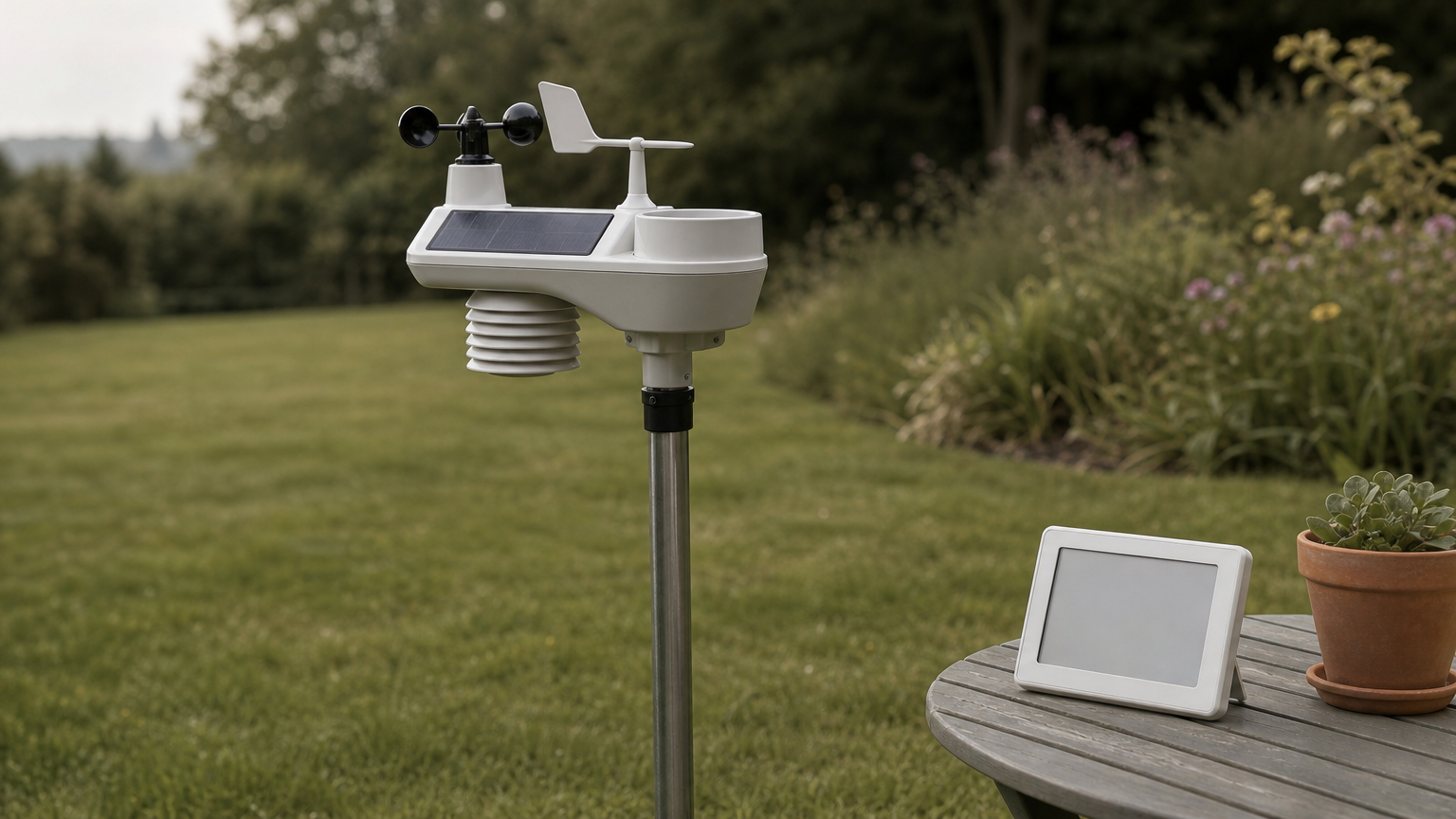
The WS-2902 is the best all-round wireless weather station for a house or backyard. It pairs an outdoor sensor array with an indoor console and sends data to Ambient’s online dashboard over Wi-Fi.
What you get
The outdoor array is a 7-in-1 sensor suite that reports the core readings. Barometric pressure and indoor conditions come from the console. A solar panel on the array keeps it running, and batteries act as backup.
- Temperature and humidity
- Wind speed and direction
- Rainfall
- UV index and solar radiation
Who it suits and what it costs
This is the pick for first-time buyers who want a full sensor set without paying professional prices. It costs a fraction of a Davis station, though prices move, so check the current listing. The main complaint from hands-on use is the tabletlike display, which is hard to read from an angle. Put the console where you look at it head-on, such as a kitchen counter at eye level.
The WS-2902 gives you the most readings per dollar, as long as you can live with a console that wants a straight-on view.
2. Davis Instruments Vantage Vue
The Vantage Vue is the best pick if you want a station built to last for years. It is a compact, wireless all-in-one unit that measures temperature, humidity, barometric pressure, rainfall, and wind speed and direction.
What you get
Davis sells the Vue with a WeatherLink Console, which shows current conditions, graphs and forecasts. WeatherLink also gives you remote access, online sharing and historical data. If you outgrow the Vue, the Vantage Pro2 adds enhanced sensors and customization. The Pro2 Plus adds UV and solar radiation sensors. The GroWeather version adds evapotranspiration calculations for gardens and farms.
Who it suits and what it costs
The Vue suits serious hobbyists who want accuracy and longevity more than the lowest price. Davis lists the Vue with console at $725, and the sensor suite alone at $425. That is the cheapest entry to the brand. Expect to pay more than for most consumer stations, and treat it as a purchase you will keep for a decade, not a gadget.
Choose the Vue when you would rather pay once for a durable station than replace a cheaper one later.
3. AcuRite Iris 5-in-1
The AcuRite Iris is the simplest option here, and a good fit if you want a no-fuss weather station for home use. It is a 5-in-1 wireless station with an HD display, and it can send data over Wi-Fi to Weather Underground.
What you get
Five sensors cover the basics: temperature, humidity, wind speed, wind direction and rainfall. It does not report UV or solar radiation, so it is not meant for sun-exposure tracking or evapotranspiration math. The tradeoff is easy setup and a display that is made to be read at a glance.
Who it suits and what it costs
This one suits casual users who want a dependable backyard readout and an easy way to publish data online. It is widely sold, so shopping around is easy. Prices change often, so compare current listings. If you care about rainfall for lawn or garden decisions, check how the model performs on rain before you commit. The rain gauge is where home stations most often fall short.
The Iris covers the five readings most people actually check and skips the sensors most people never look at.
4. WeatherFlow Tempest
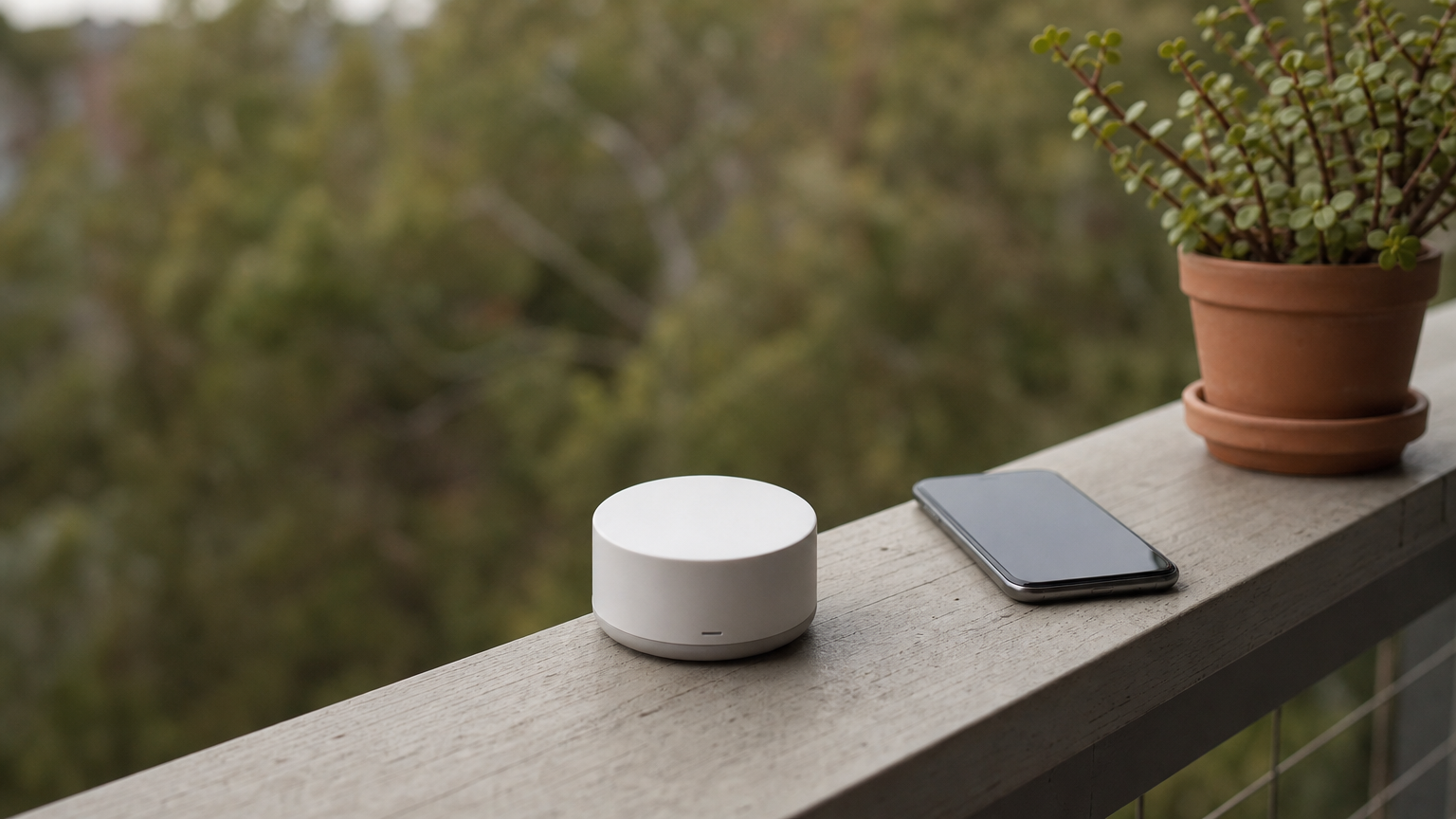
The Tempest is the best choice if you want to read your weather on a phone rather than on a console. It is an all-in-one, solar-powered unit that relies on an app, so you skip the tabletlike display altogether.
What you get
The Tempest has no moving parts, which means no spinning wind cups to wear out or clog. Data goes to your phone through a hub, and you can view it from anywhere. Independent testing included the Tempest among ten popular models. It reports the same core readings as the others: temperature, humidity, pressure, wind and rain, plus UV and solar radiation.
Who it suits and what it costs
It suits app-first households and renters who can mount a small unit on a fence, balcony rail or pole. It is not for anyone who wants a glanceable screen in the kitchen. Pricing sits in the mid-range, above basic consoles and below Davis. Check the current listing before you buy.
If you already check your phone for the weather, the Tempest removes the console you would barely use.
How to choose a home weather station
Choose on four things: accuracy, display, power and connectivity. Then match them to a budget and a mounting spot. The sections below cover the decisions that most affect what you pay and what you read.
What a home weather station costs
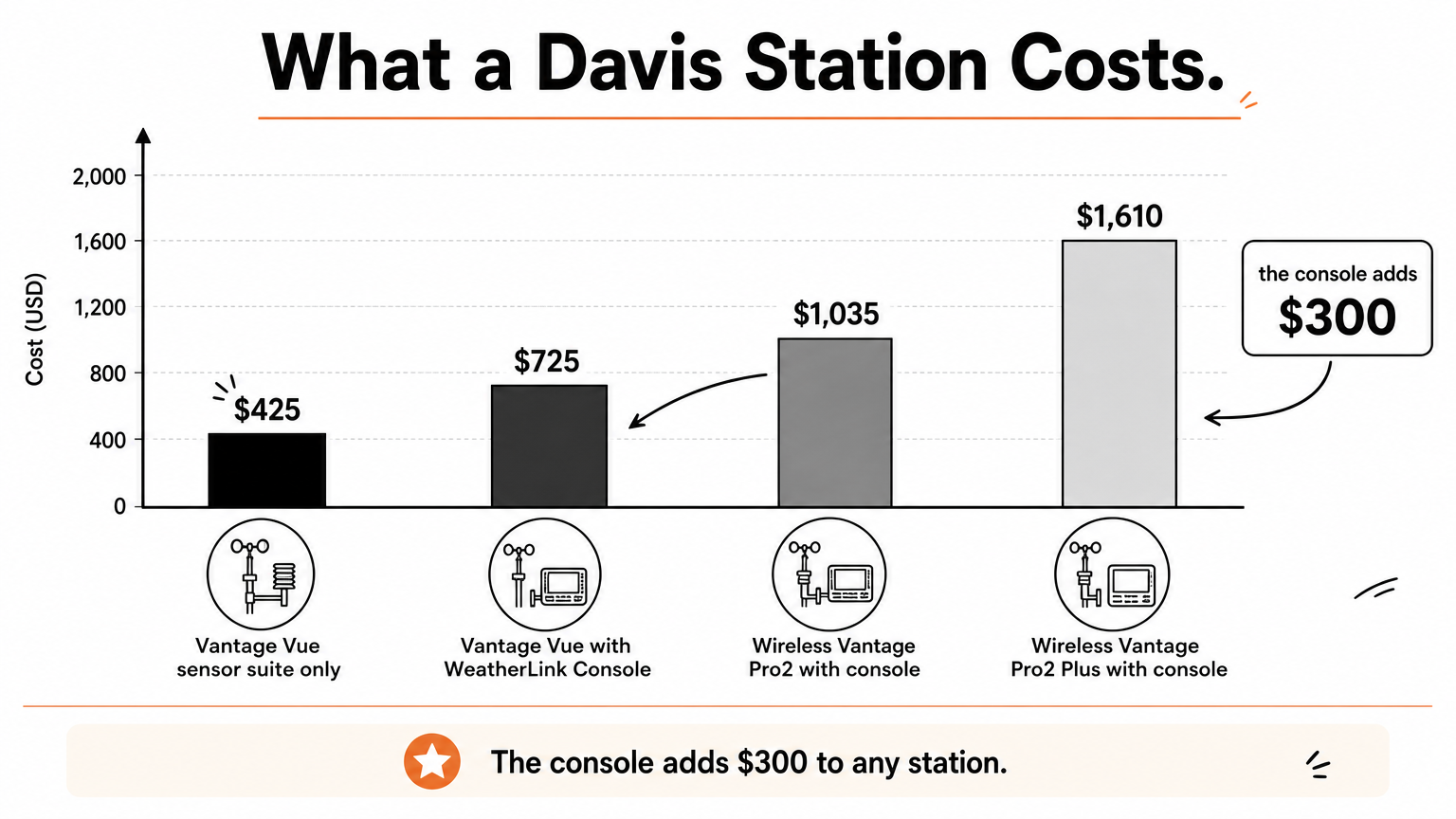
Most home stations cost a few hundred dollars. Professional-grade models cost more, and the console is often a separate line item. Davis’s own listings show how the price steps up:
| Davis model | Price |
|---|---|
| Vantage Vue sensor suite only | $425 |
| Vantage Vue with WeatherLink Console | $725 |
| Wireless Vantage Pro2 with console | $1,035 |
| Wireless Vantage Pro2 Plus with console | $1,610 |
Here is a worked example. If you want the Vue with a console, the bundle at $725 minus the $425 sensor suite means the console adds $300. Buy the sensor suite alone only if you already own a compatible console.
Wireless versus Wi-Fi
A wireless station sends data from the outdoor sensors to an indoor display. A Wi-Fi station also sends data to the cloud, so you can check it away from home or share it online. Wi-Fi costs little extra and is worth having. The core measurements are largely the same either way.
Where to put it
Mount the station in the open, with a clear view of the sky. A pole at ground level works well. If your yard is cramped, mount it on the roof, at least 5 feet above the roofline. In windy areas, anchor the pole deeper or fix it to the side of the house. Solar models save you battery changes, but they need sun.
Even the best sensor gives bad readings when it sits against a wall, so placement matters as much as the model.
Which weather station fits your house
Pick the Ambient WS-2902 for the best mix of features and price, the Davis Vantage Vue for a station that lasts, the AcuRite Iris for simplicity, and the Tempest if your phone is your display. Whatever you buy, give it open sky and, if you garden, check how it handles rain by comparing it with an accurate rain gauge.
For more buying guides and measuring tool comparisons, visit Measuring Expert and pick the tool that matches your next project.